

Built-in Windows: How to turn on High Contrast Mode
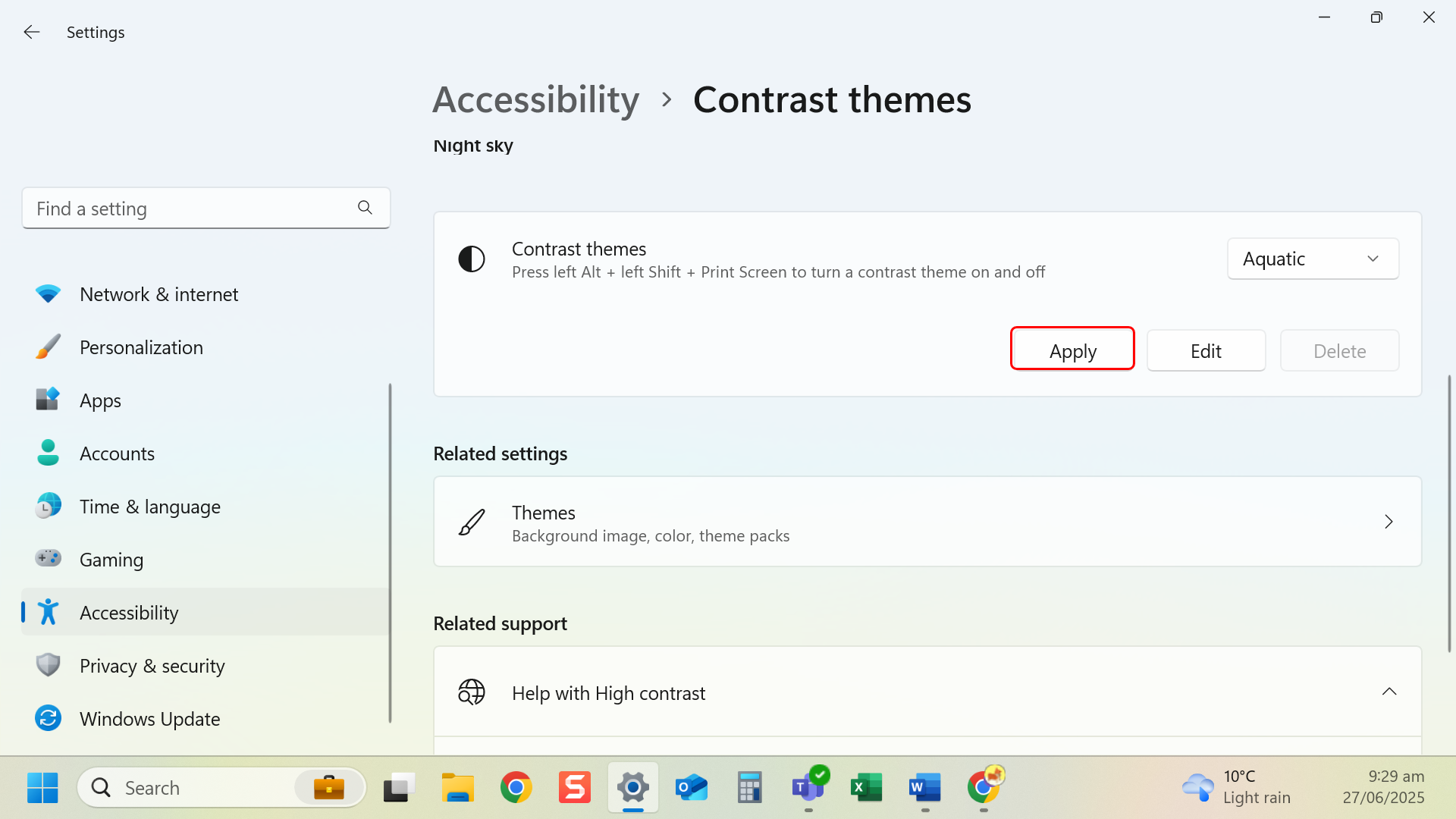
Instructions
- Keyboard shortcut: Press Left Alt + Left Shift + Print Screen to toggle. Select Yes to turn on high contrast.
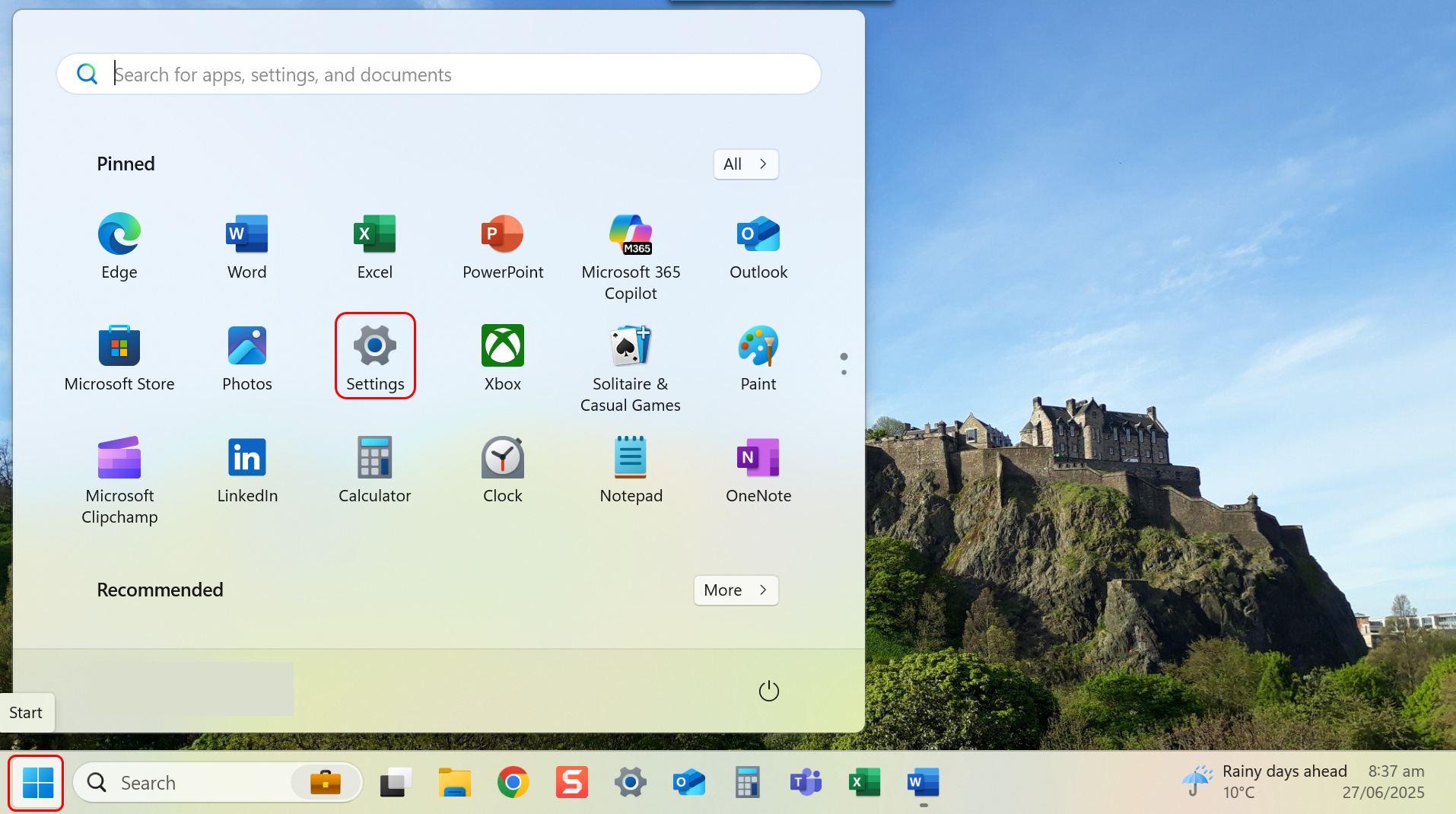
- Navigate to Settings through the Start menu.
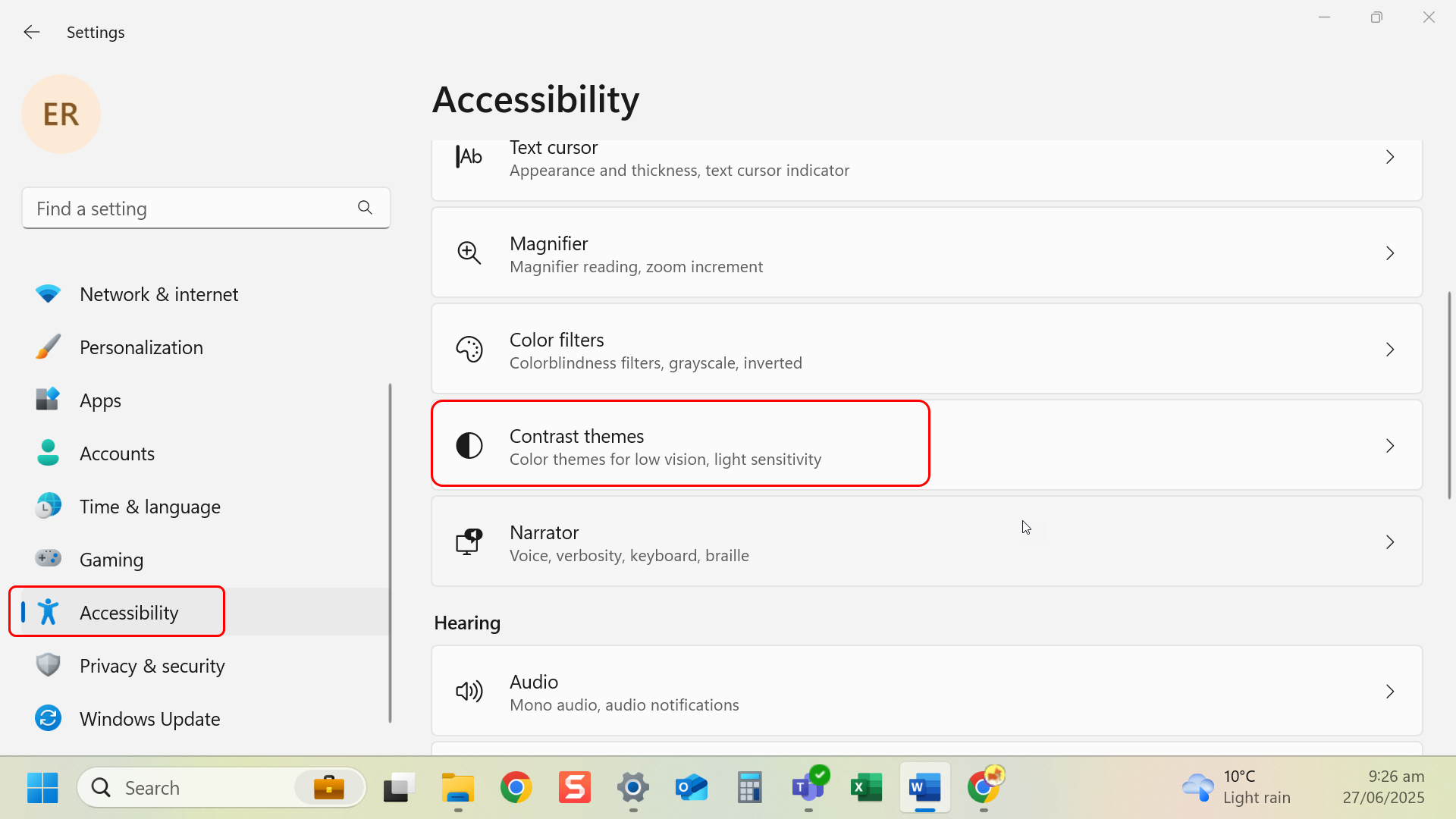
- Navigate to left-hand side menu and select Accessibility.
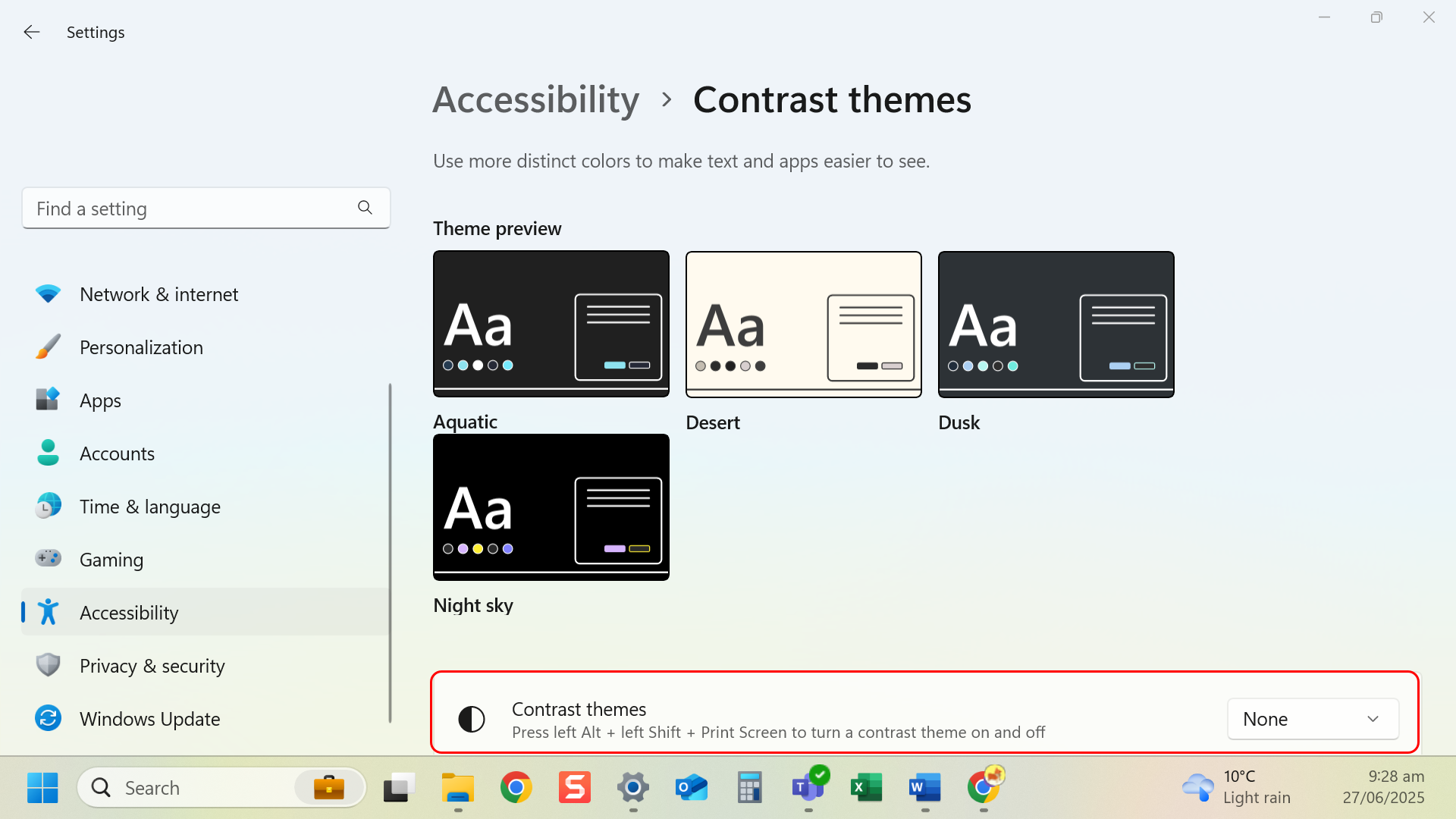
- Select Contrast Themes.
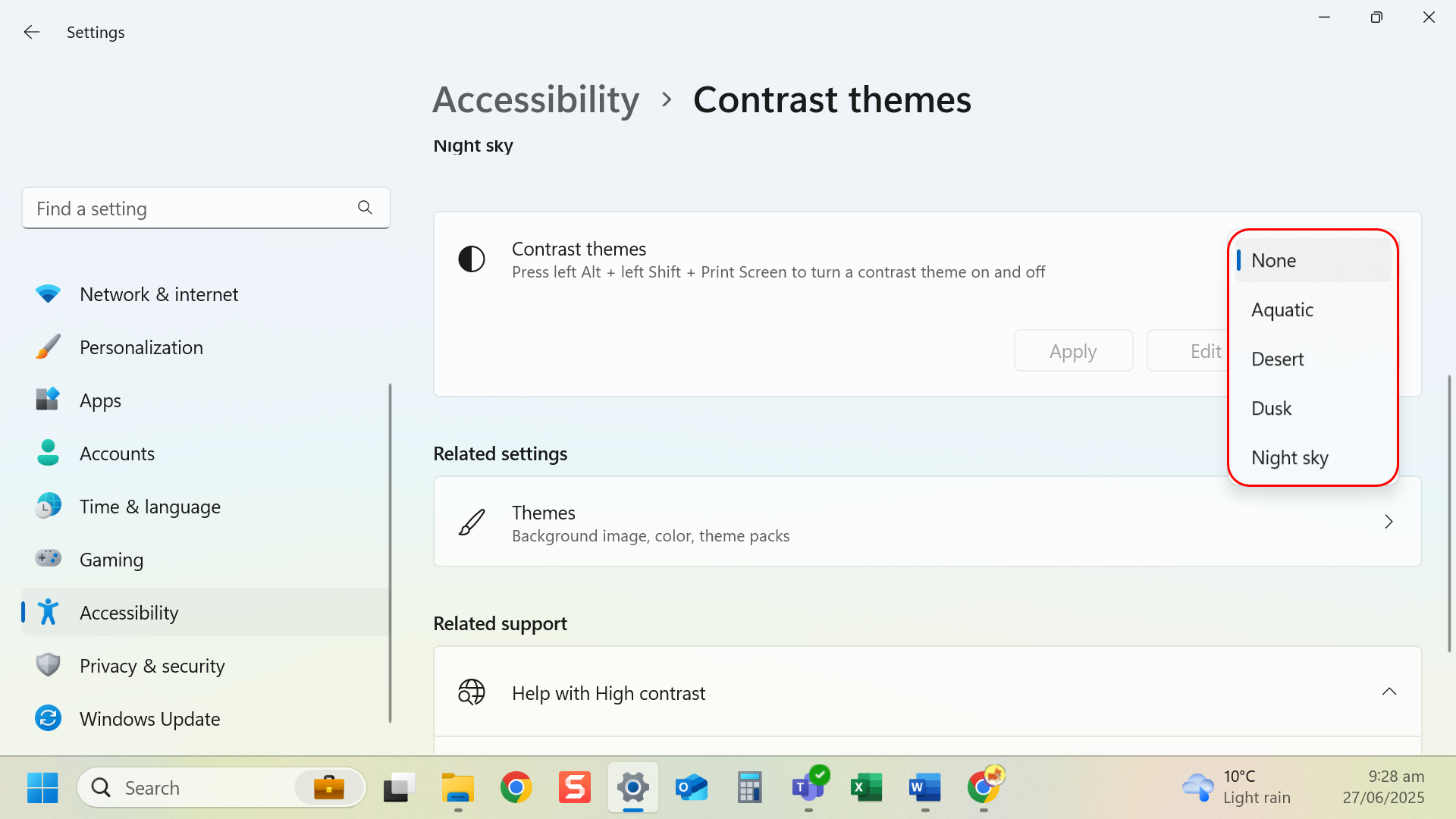
- Select a high contrast theme from the dropdown.
- Click Apply.
Tip: High contrast themes help improve readability for low vision.
Last modified: Friday, 29 August 2025, 8:07 AM