

Mobile iOS: How to use Zoom (Screen Magnification)
Instructions
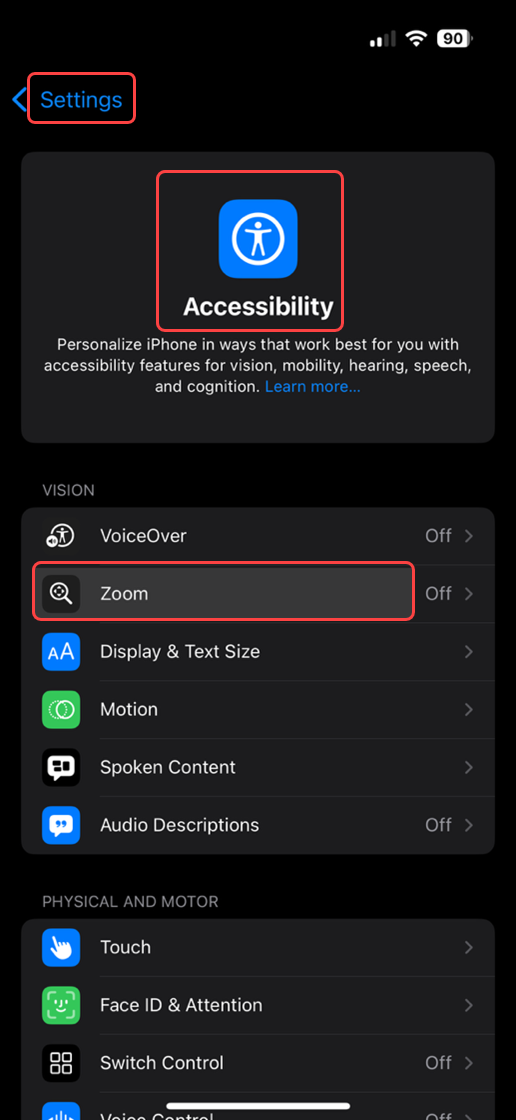
- Open Settings > Accessibility > Zoom.
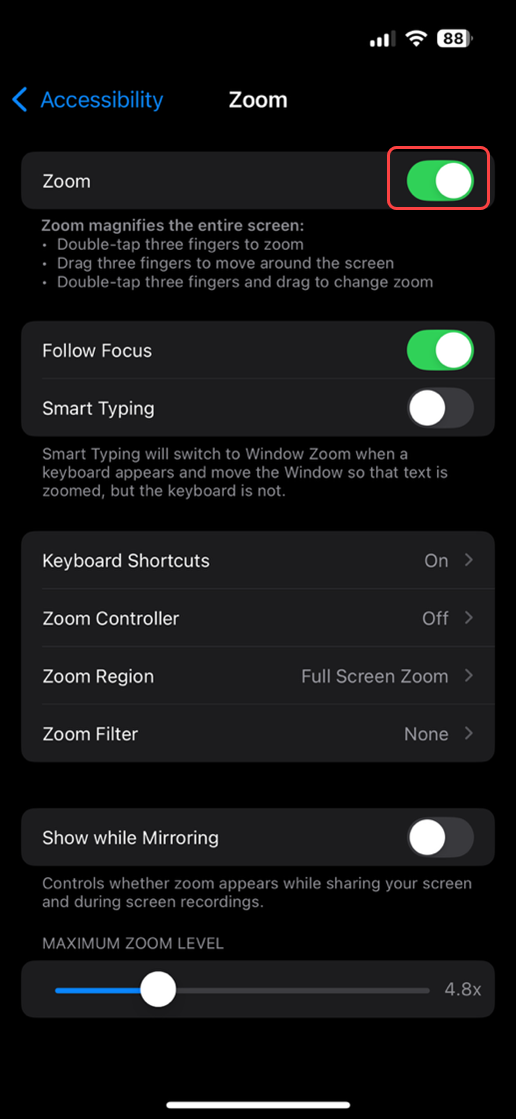
- Toggle Zoom on.
Tips: Double-tap the screen with three fingers to zoom in or out. Drag with three fingers to move around the screen.
Last modified: Friday, 29 August 2025, 8:11 AM