

Web/browsers: How to turn on Captions in YouTube
Instructions
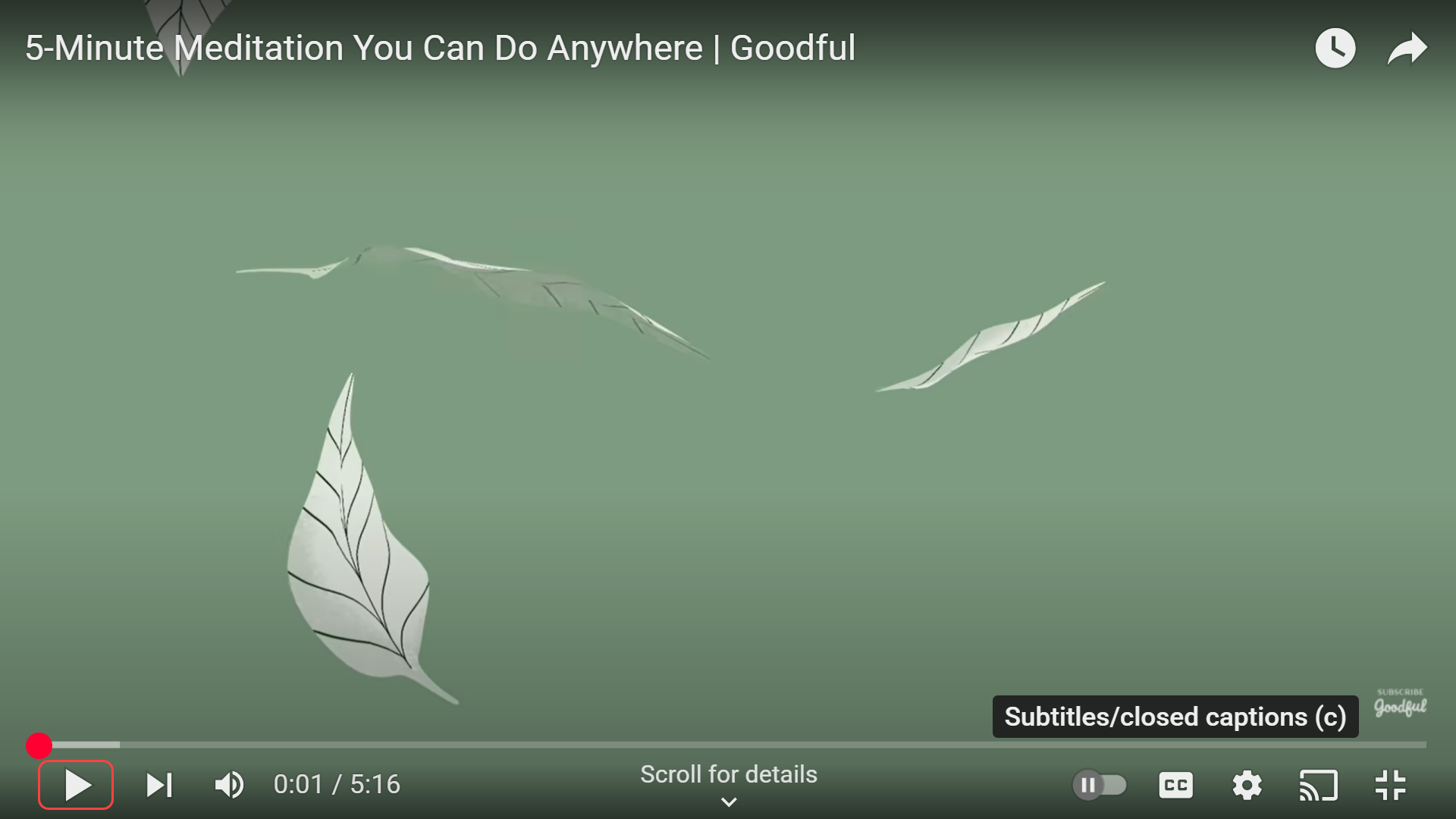
- Play a YouTube video.
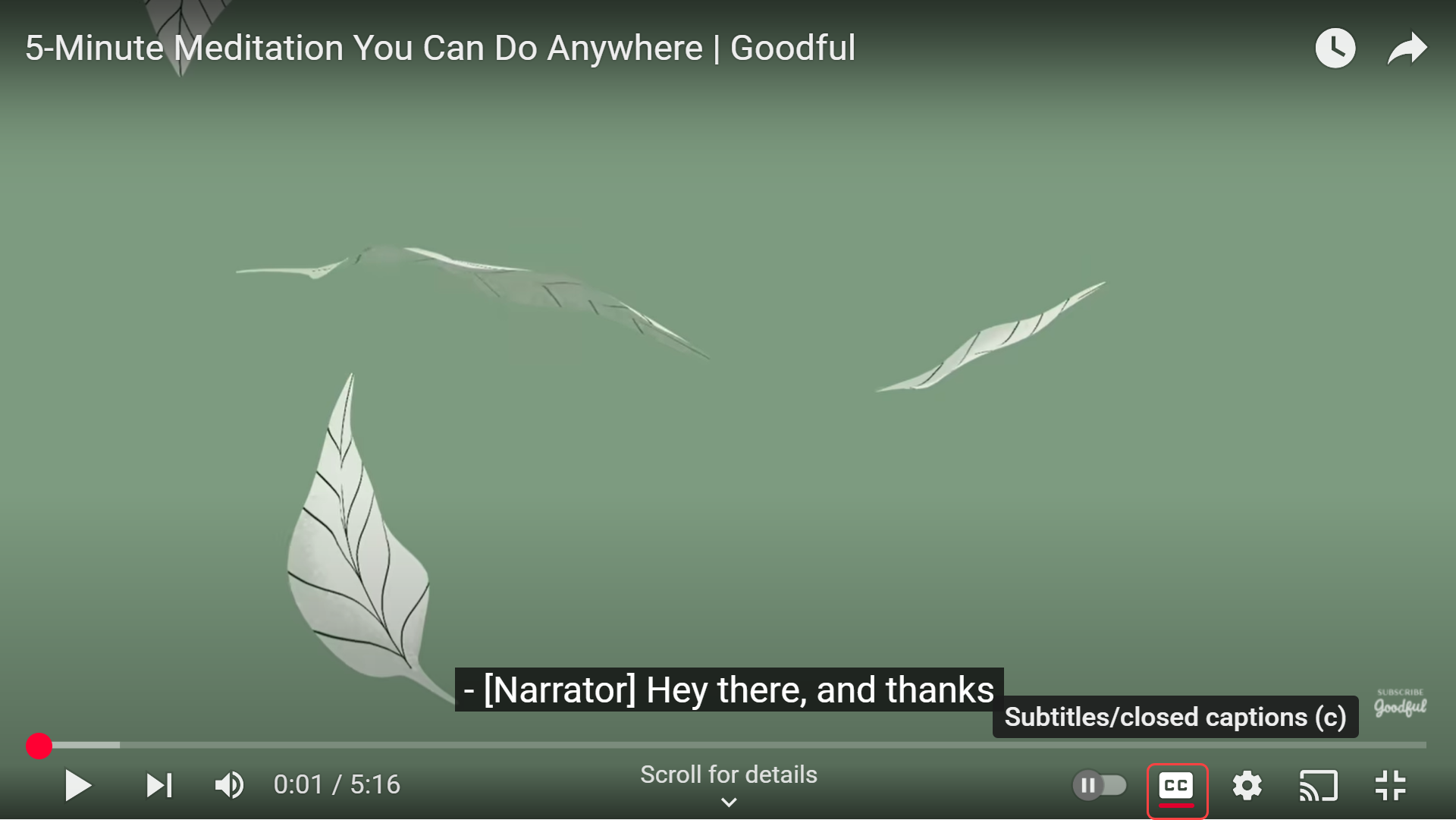
- Select the CC (Closed Captions) icon at the bottom of the video.
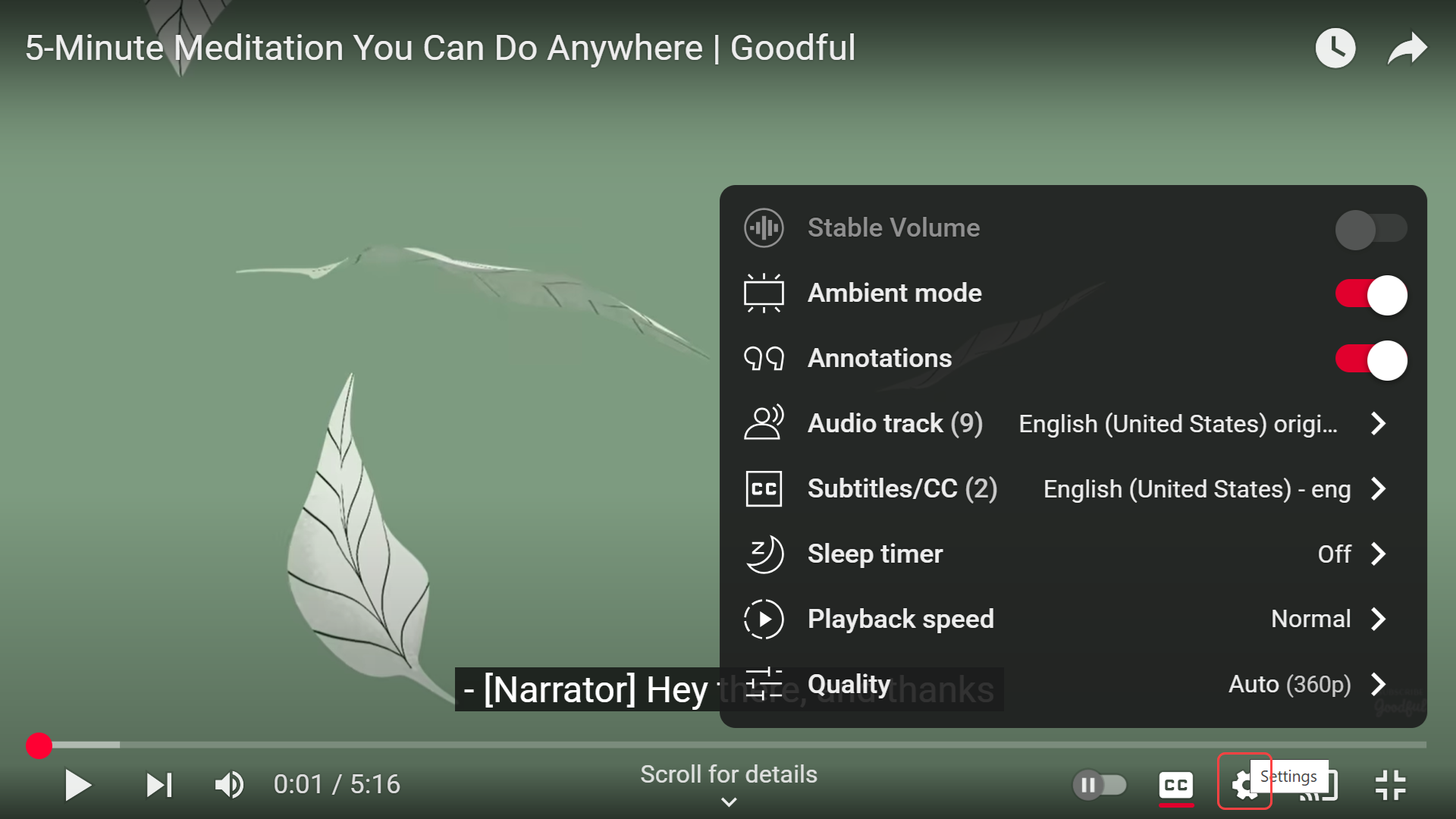
- Select the Settings (gear icon) to change caption size or style.
Last modified: Friday, 29 August 2025, 8:11 AM