

Web/browsers: How to use Contrast Extensions
Instructions
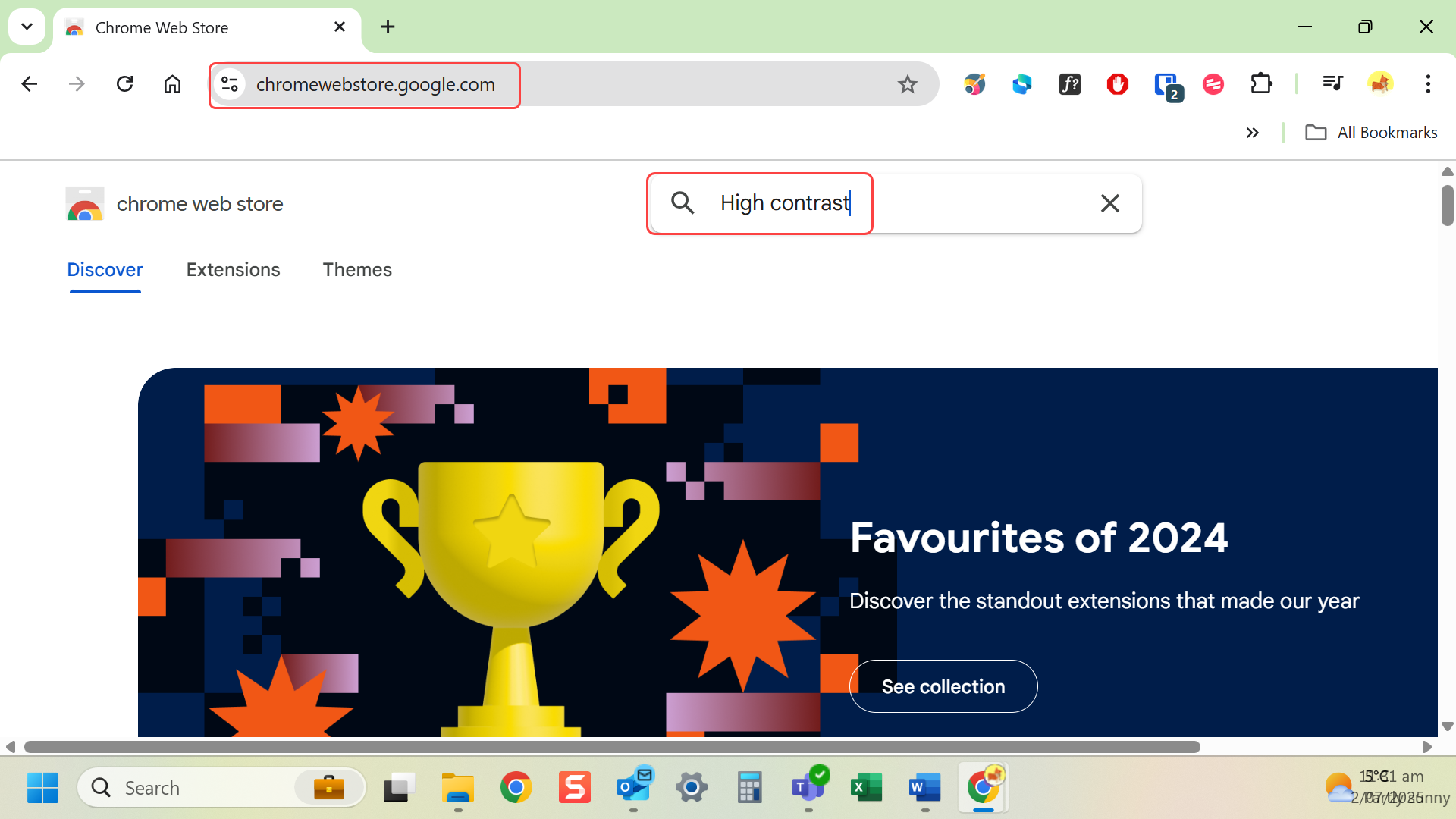
- Go to the Chrome Web Store or Firefox Add-ons.
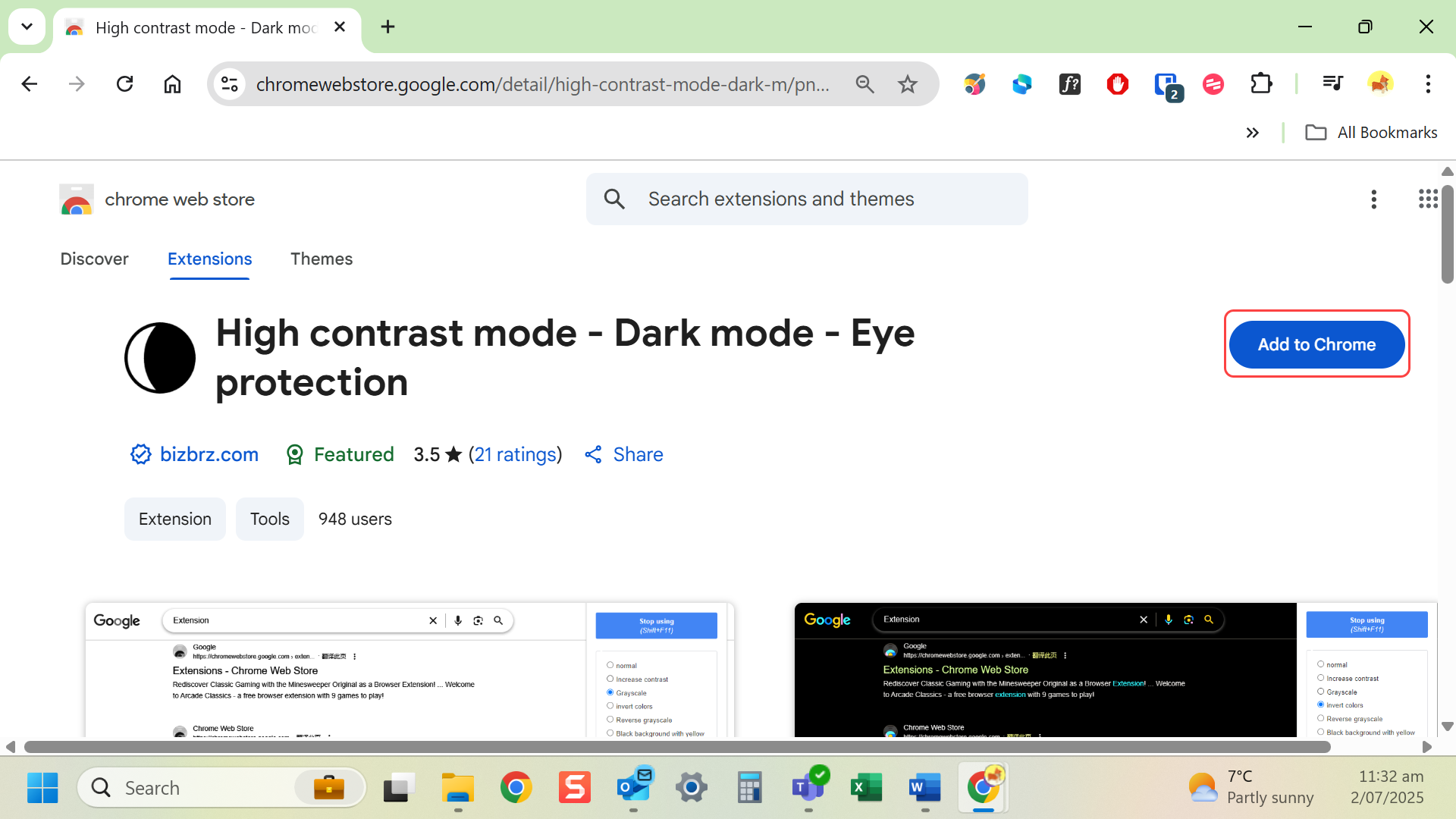
- Search for extensions like High Contrast, Dark Reader or Midnight Lizard.
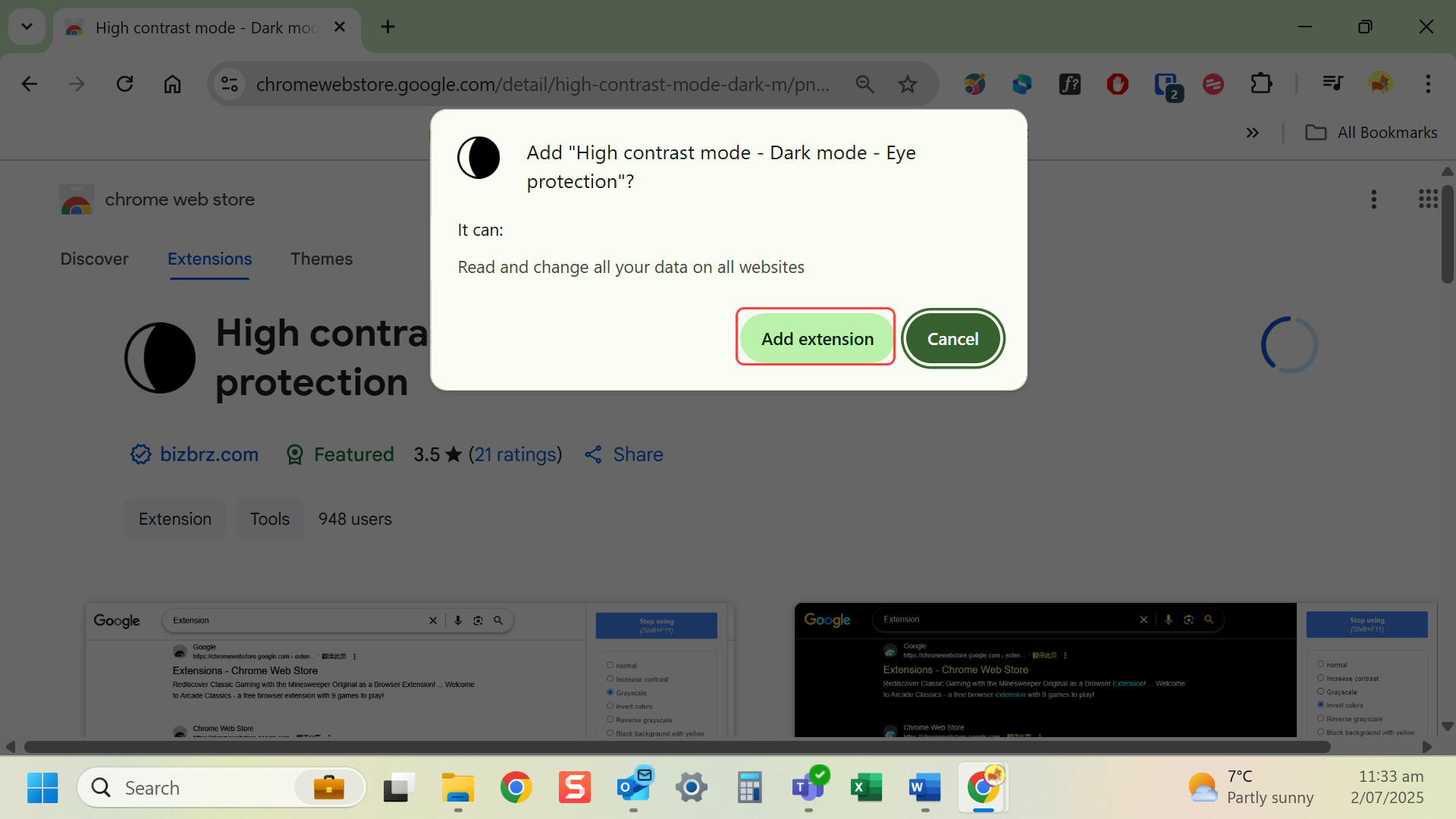
- Select Add to Chrome/Firefox/Edge.
- Enable the extension and choose a contrast theme.
Chrome options: High Contrast, Dark Reader, Midnight Lizard
Firefox: Dark Reader, Midnight Lizard, High Contrast
Microsoft Edge: Dark Reader , Hight Contrast, Night Eye
Safari: Built-in MacOS settings, Safari Reader Mode
Last modified: Friday, 29 August 2025, 8:11 AM