

PDF (Adobe Reader): Add alt text to images (Pro version)
Instructions
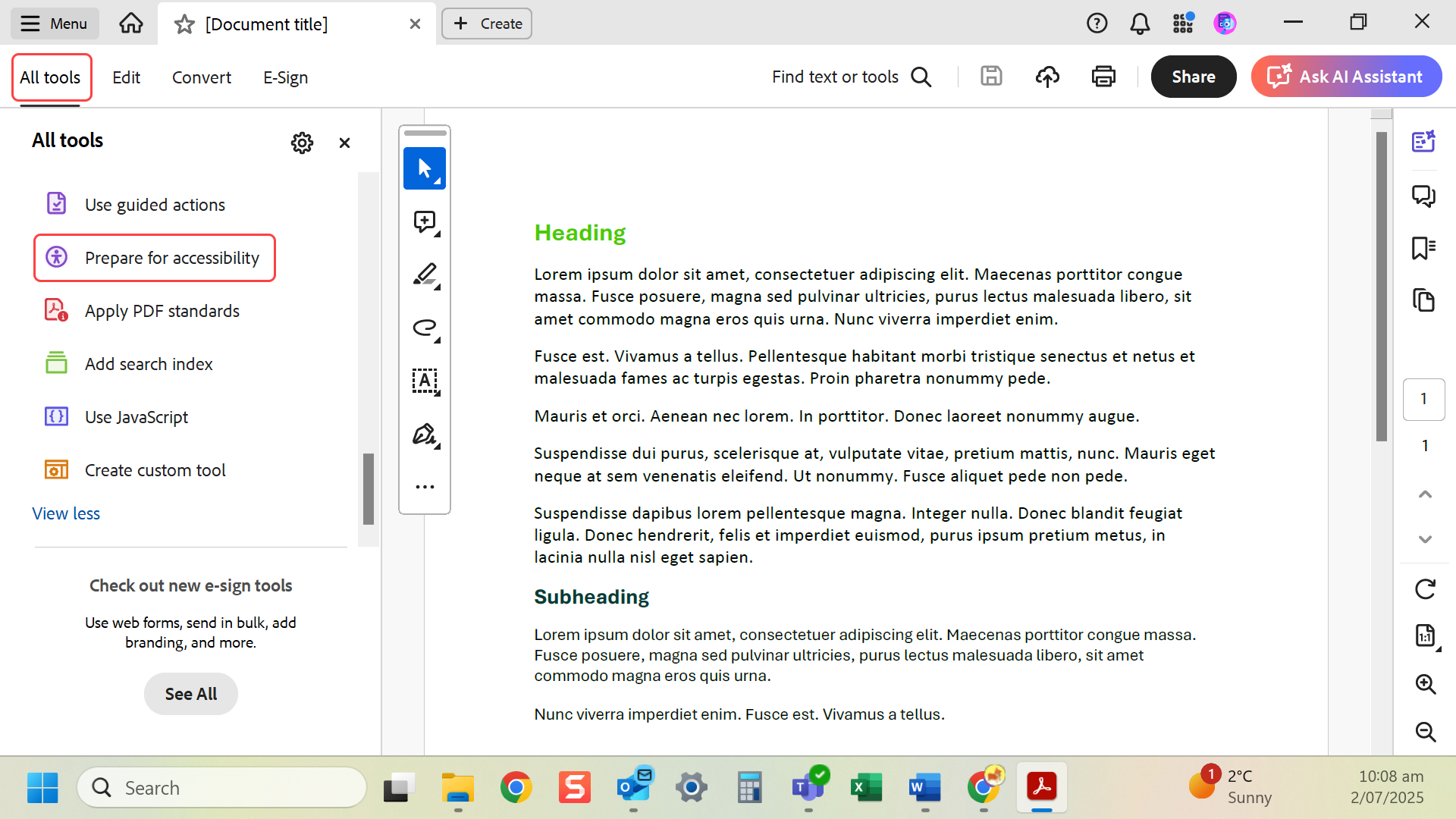
- Open PDF in Adobe Acrobat Pro. Go to All tools > Prepare for accessibility. NB: sometimes you will need to select View more to find this.
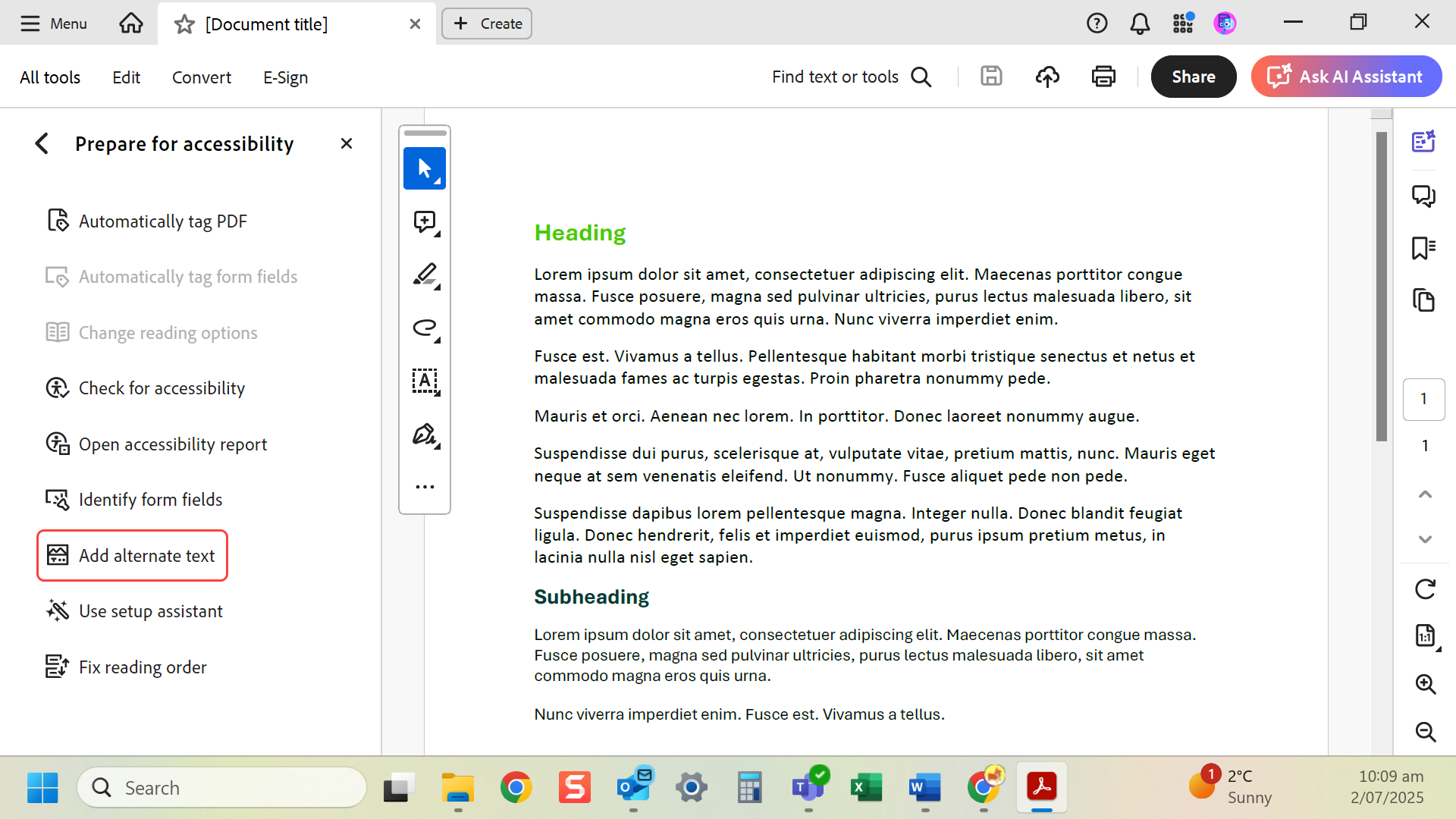
- Select Add Alternate Text.
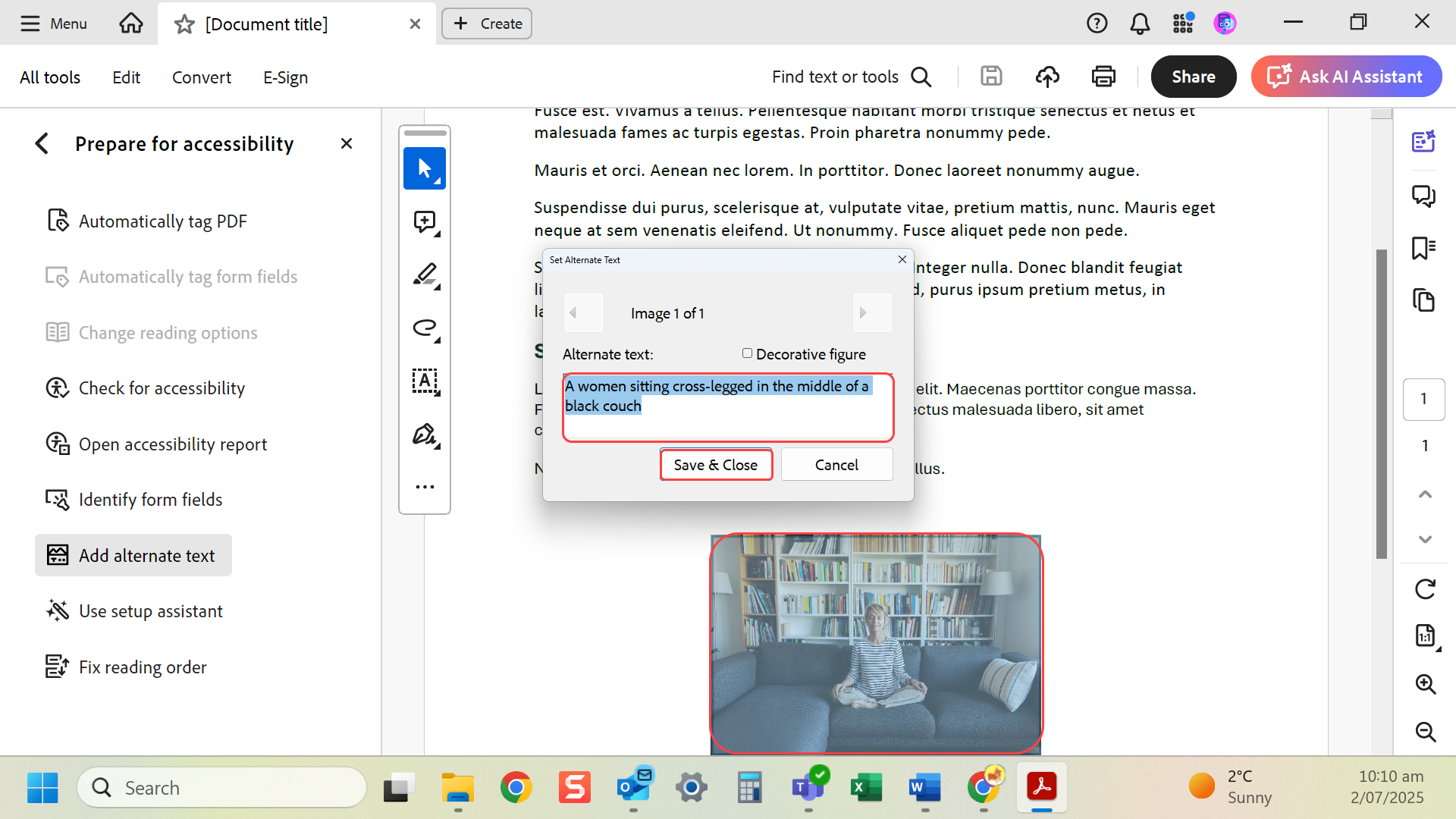
- Acrobat highlights each image. Add a short description for each relevant image and Save & Close.
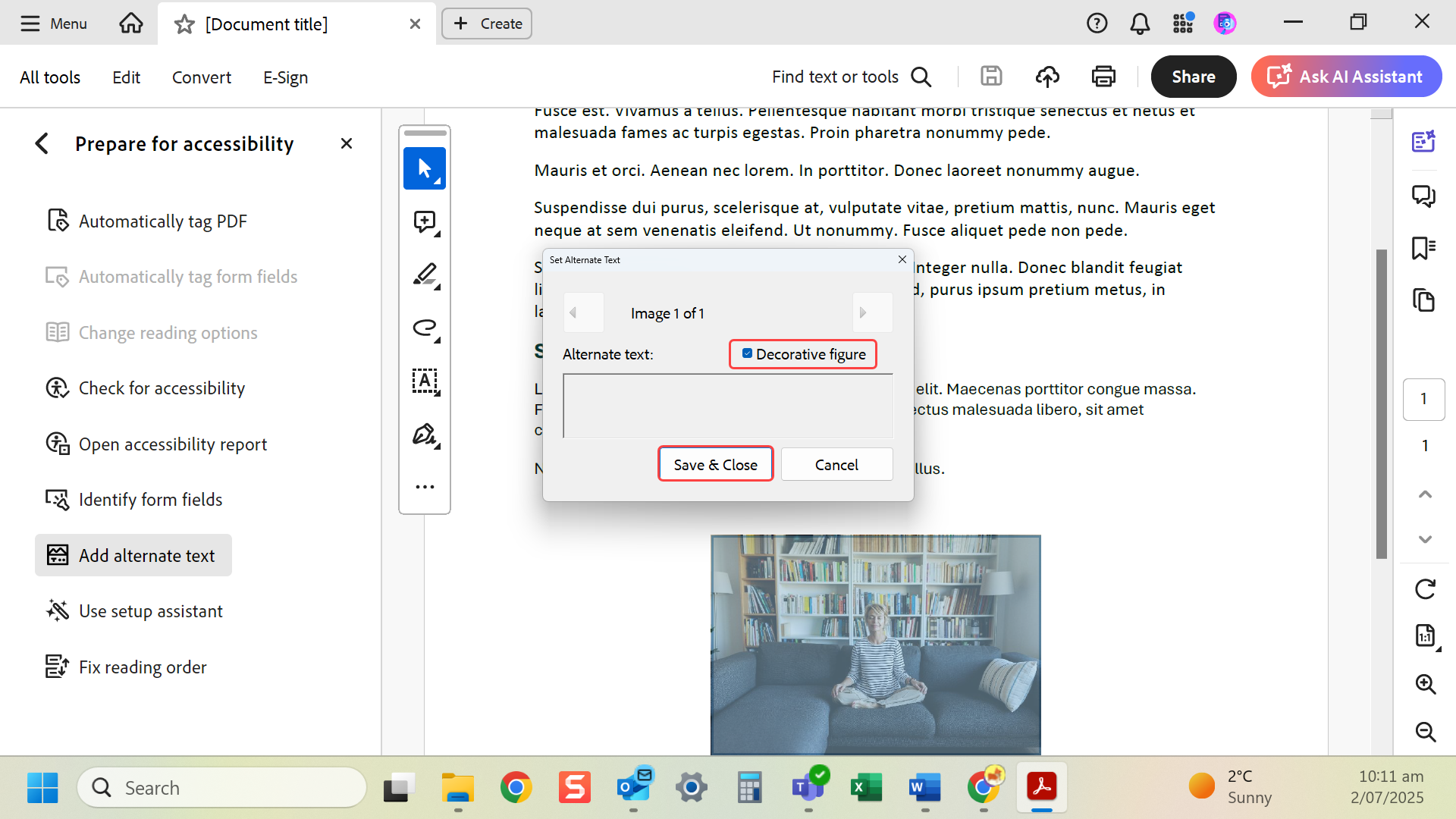
- Or you can mark decorative images as such and Save & Close.
Last modified: Friday, 29 August 2025, 8:09 AM