

Microsoft Word: How to Zoom, Change Font and Adjust Style Settings
Instructions
- Zoom: Option 1: Use Ctrl + mouse scroll.
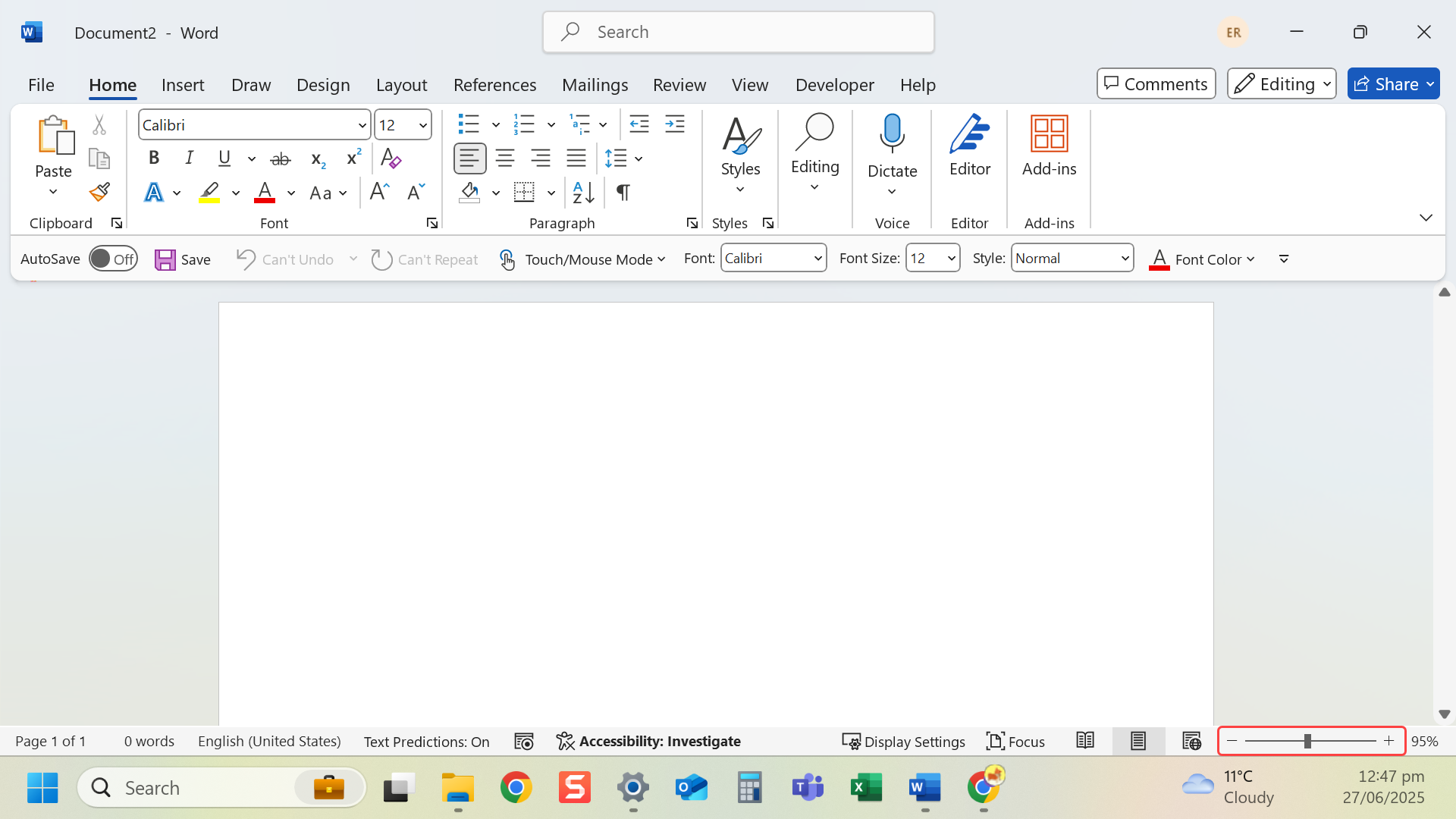
- Zoom: Option 2: The Zoom slider in the bottom-right corner to zoom.
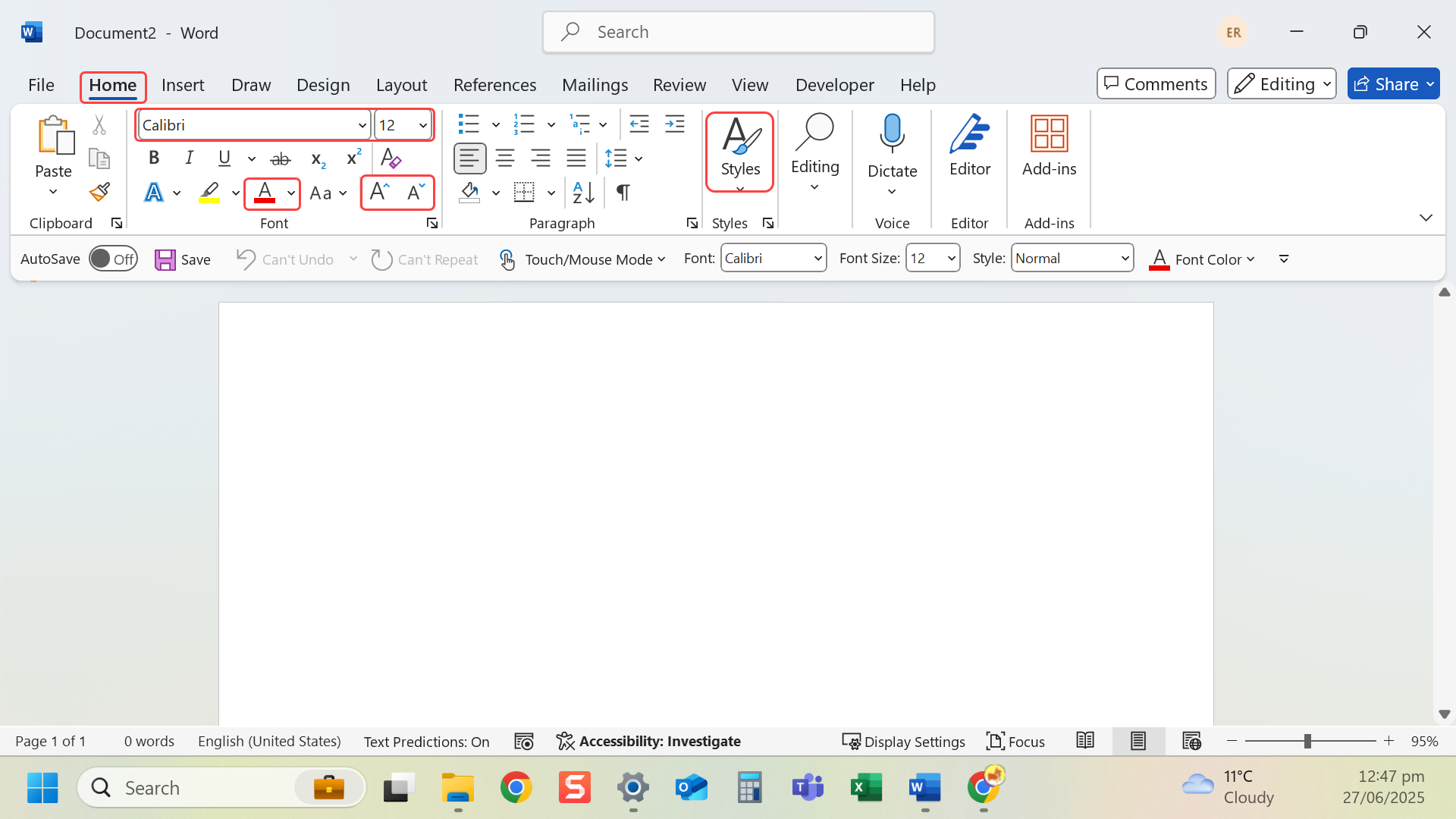
- Font and style settings: Go to the Home tab to change font, size, colour and style.
Tip: Select text before applying changes.
Last modified: Friday, 29 August 2025, 8:09 AM