

Microsoft Word: How to use Immersive Reader
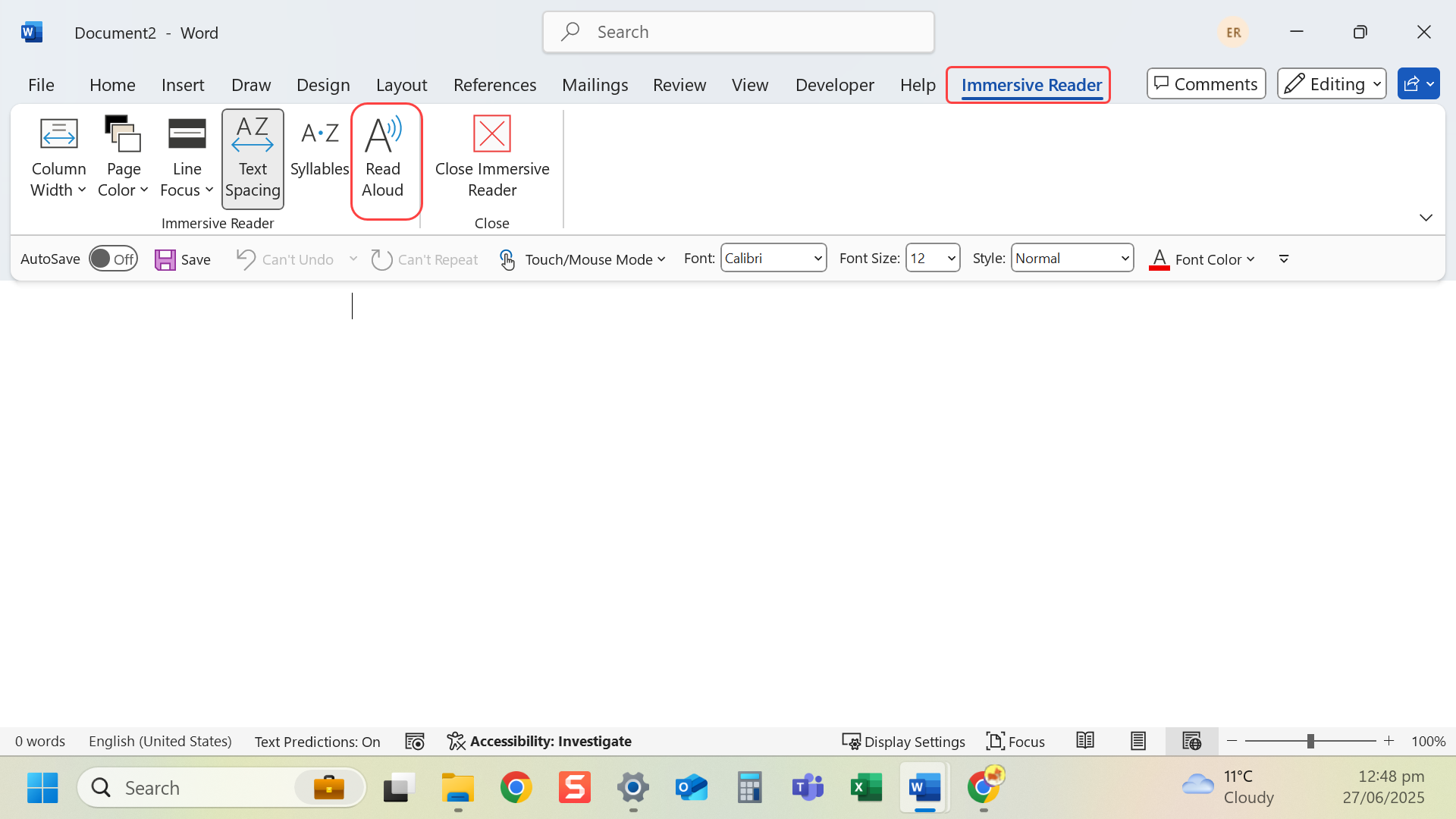
Instructions
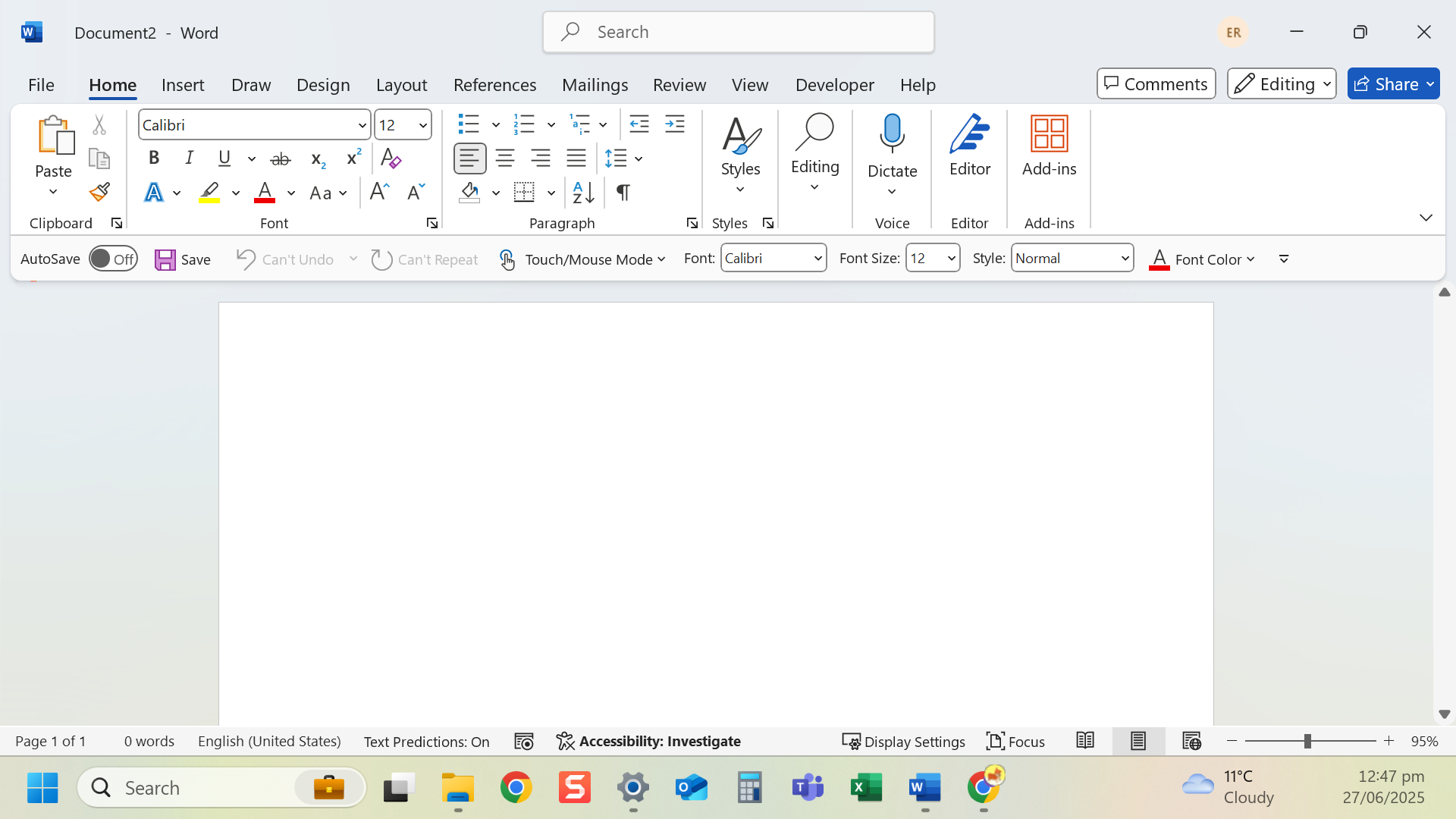
- Open your document.
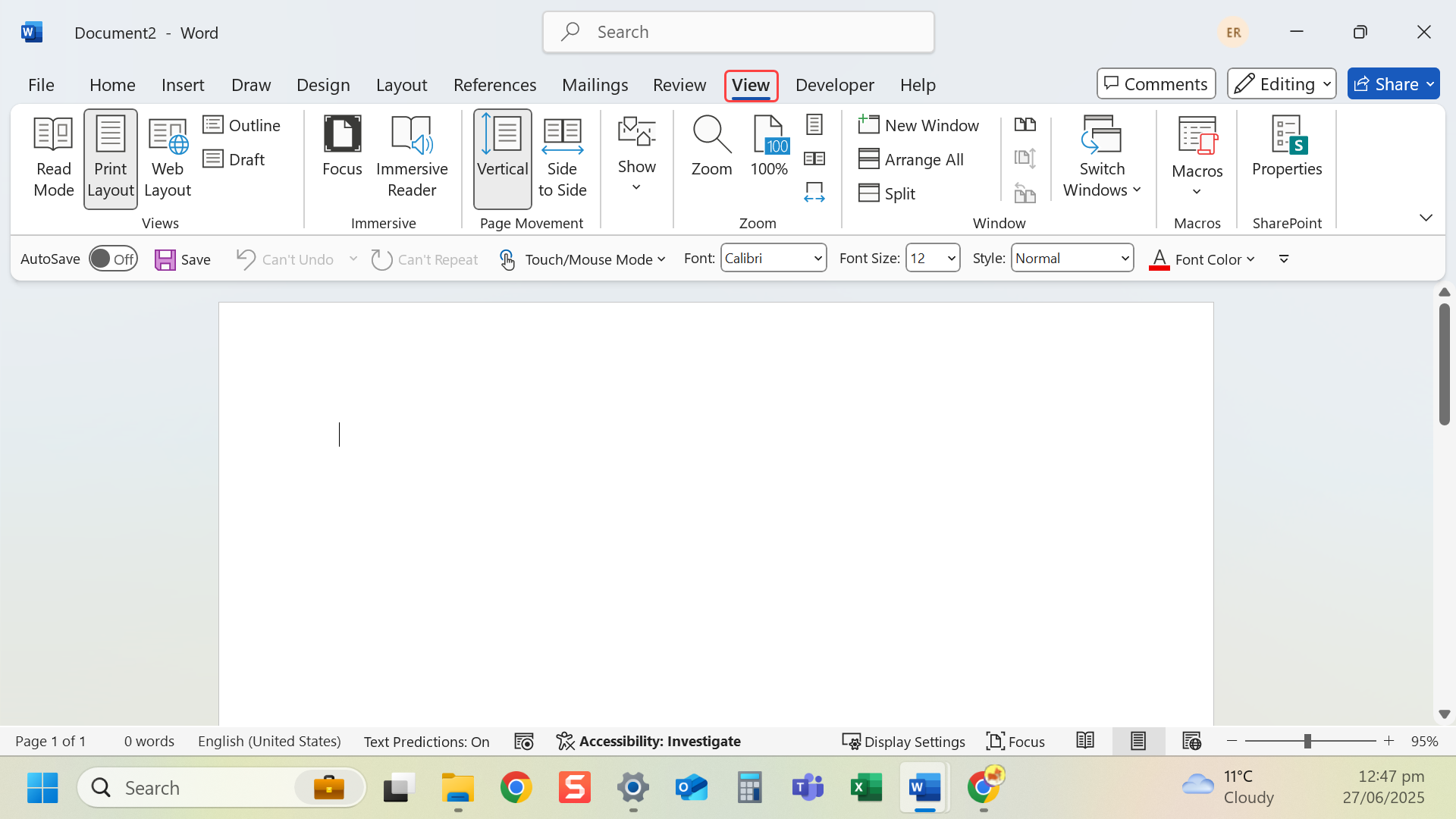
- Go to the View tab.
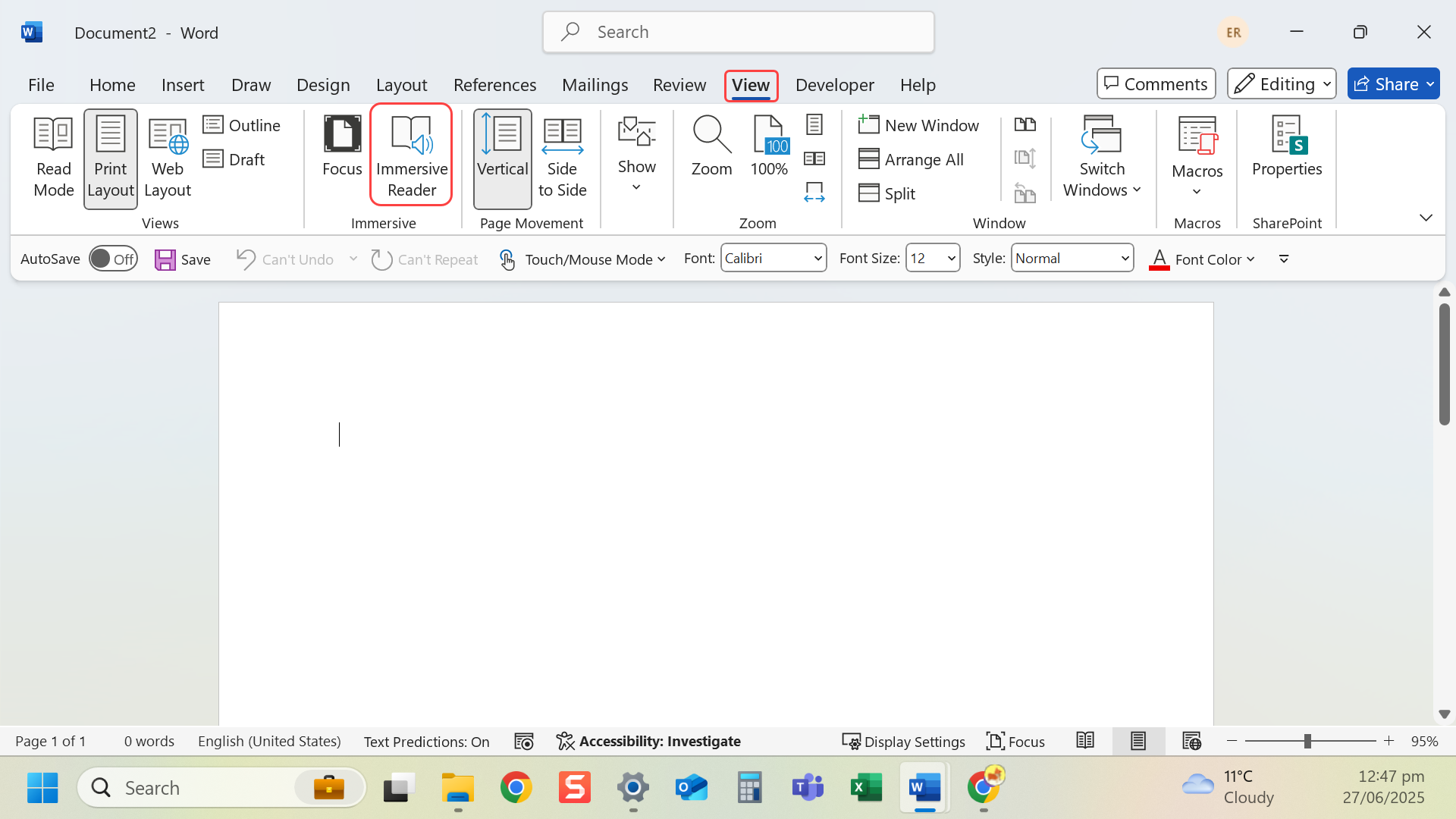
- Select Immersive Reader.
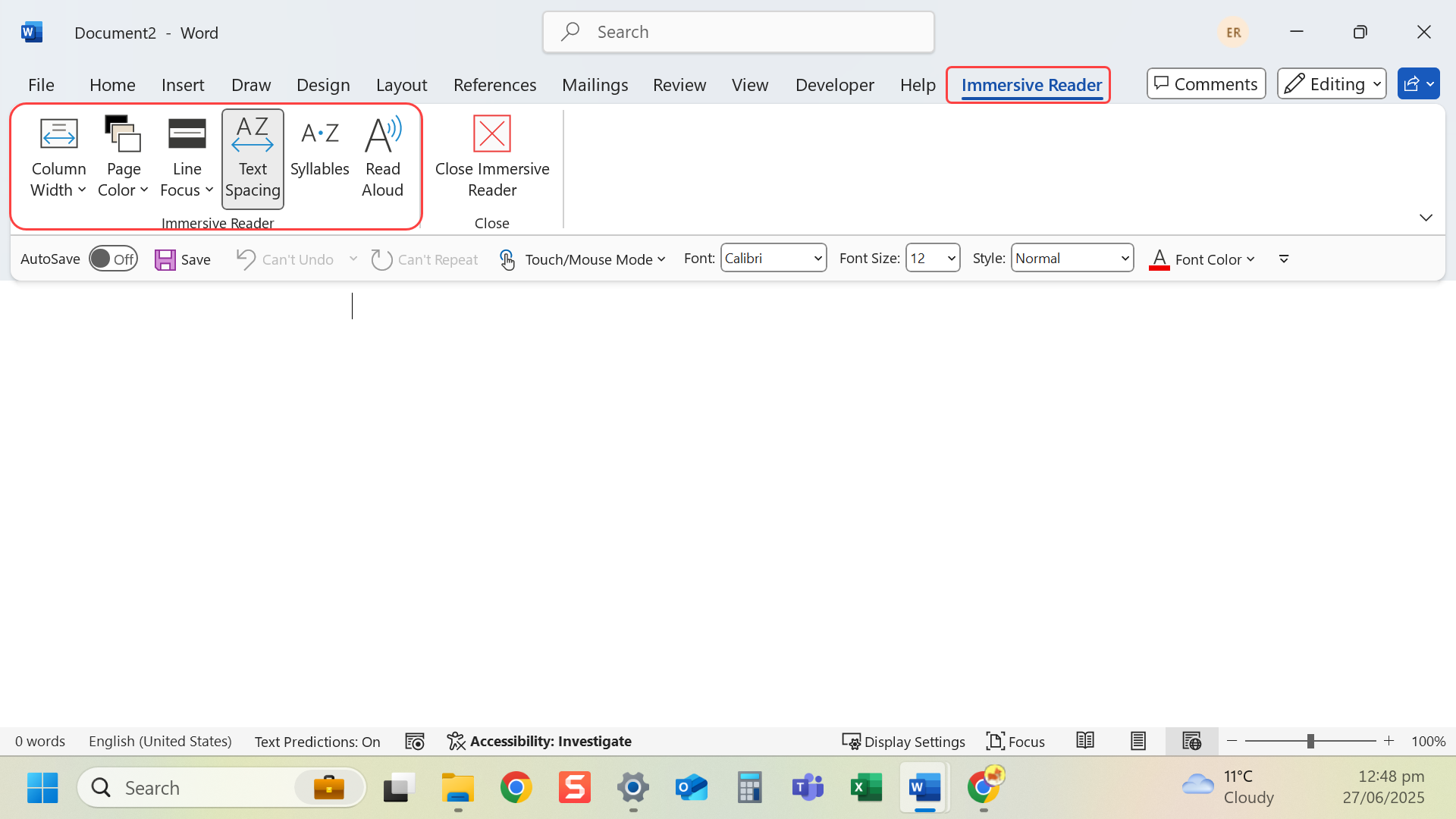
- Use options to change text spacing, font, background colour, and line focus.
- Select Read Aloud to hear the text spoken.
Last modified: Friday, 29 August 2025, 8:09 AM