

Microsoft Teams: How to Add Captions to Meeting Recordings
Instructions
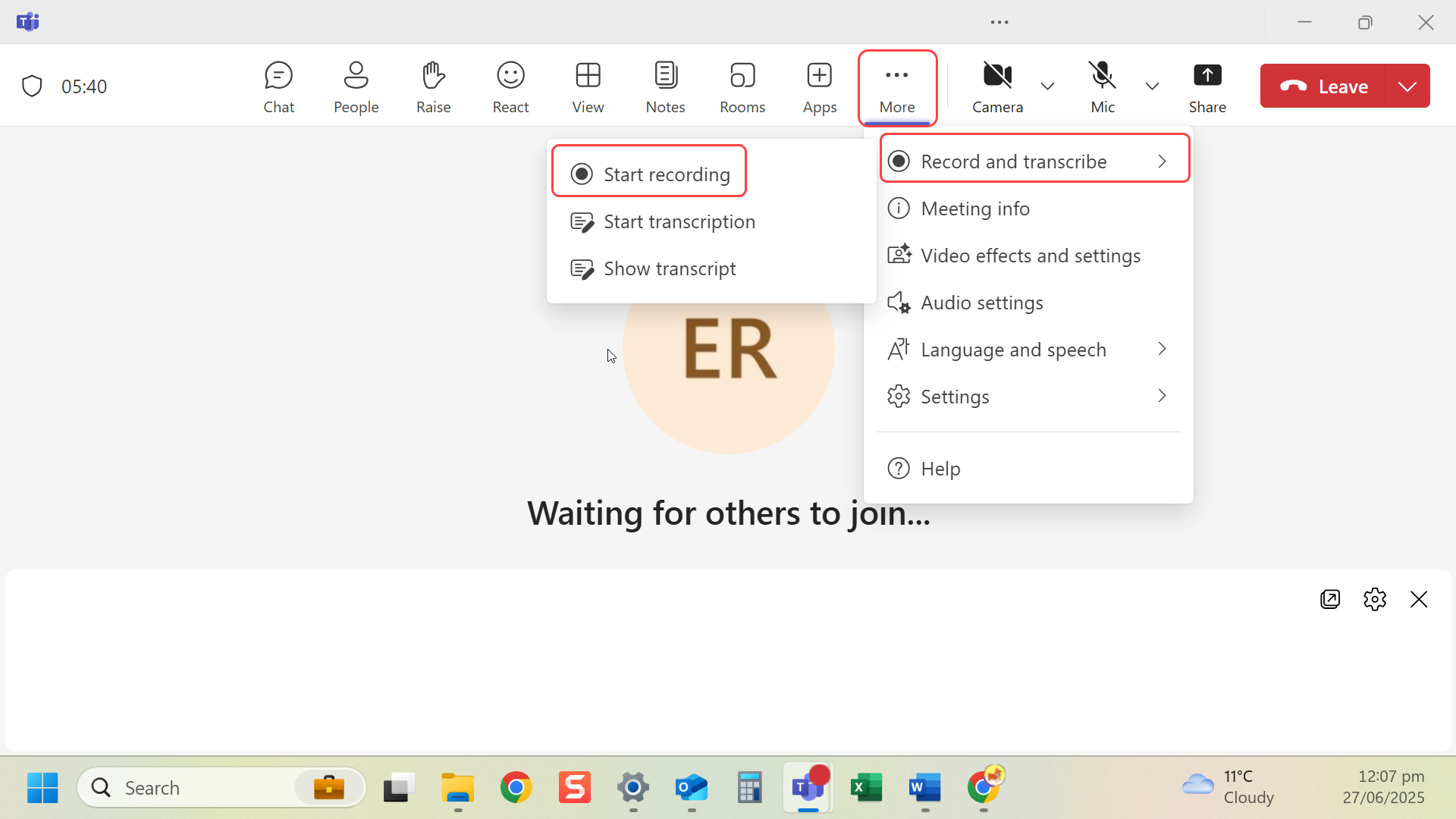
- The meeting needs to have been recorded before this can happen.
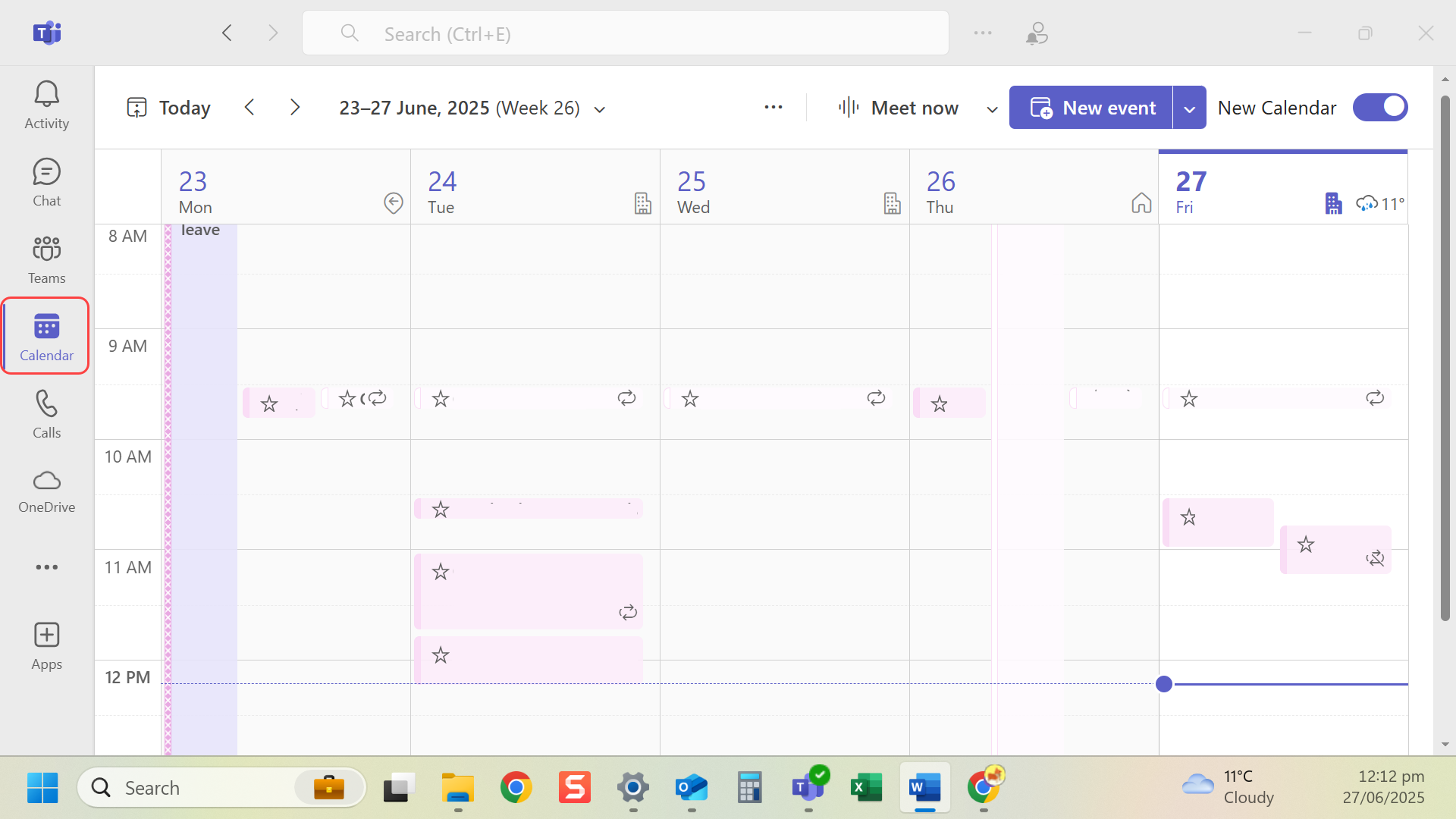
- After a meeting navigate to the Calendar in Teams.
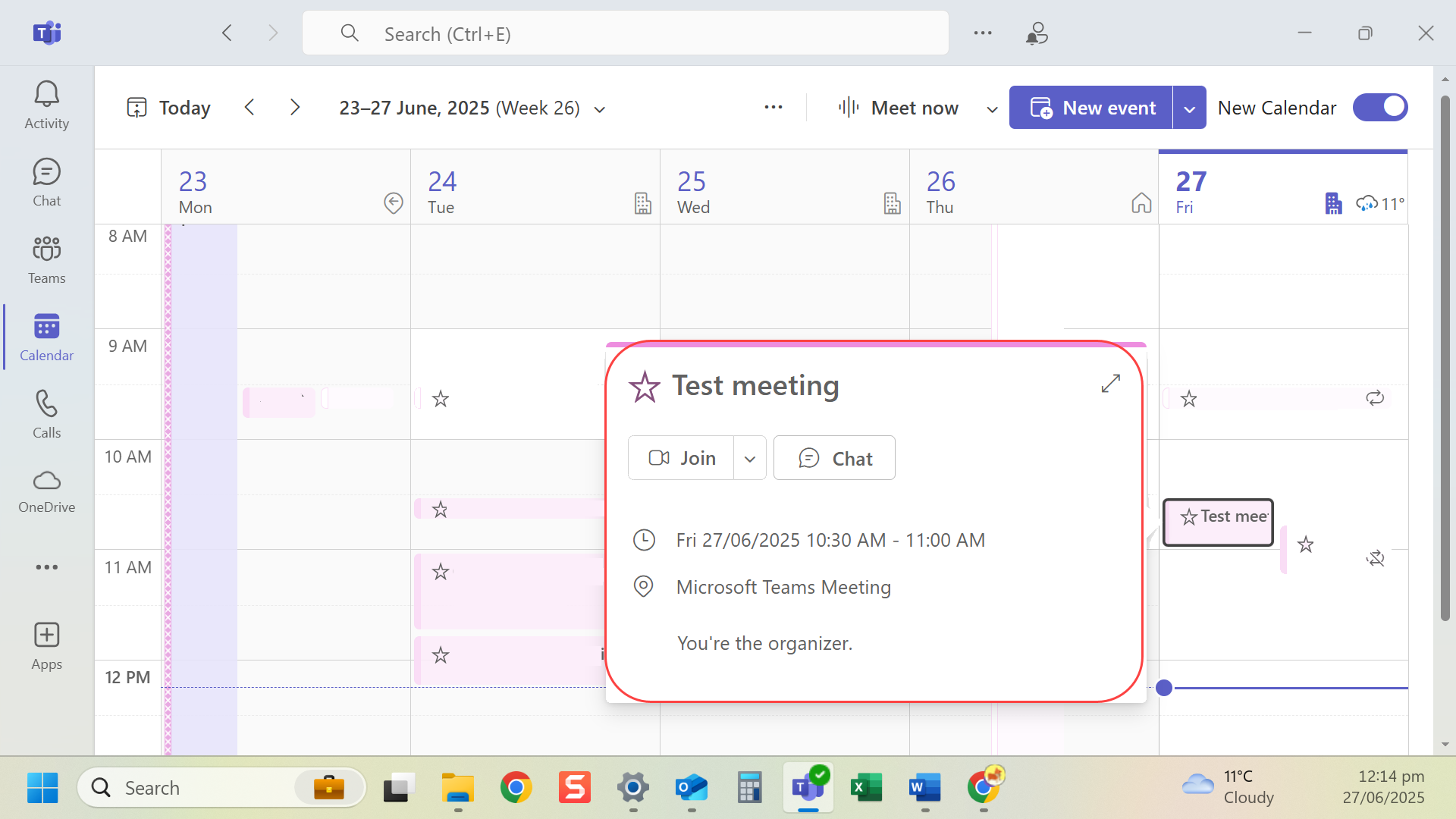
- Select and open the meeting.
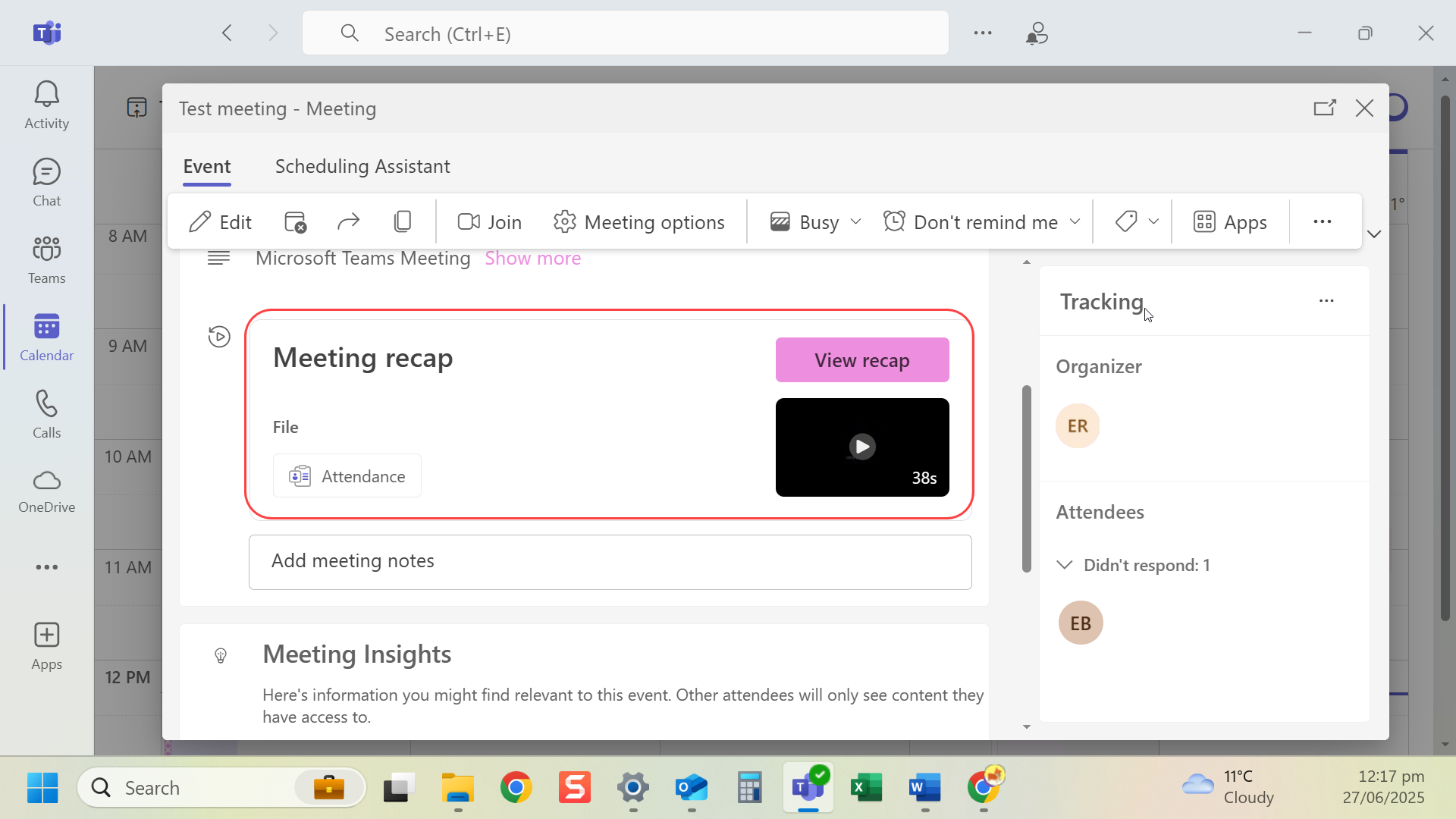
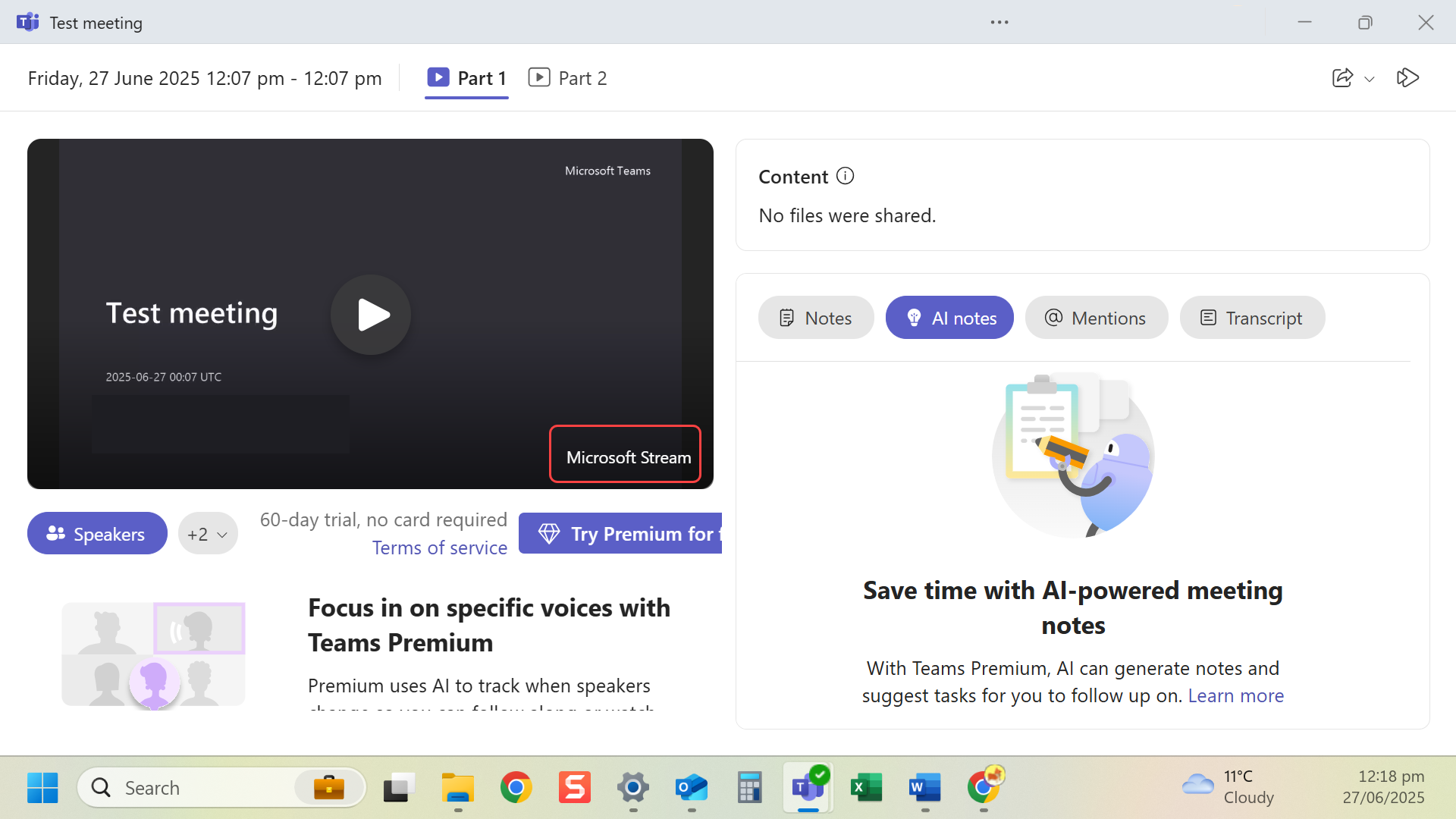
- Navigate to the recording.
- Select Open in Microsoft Stream using the icon in the top right-hand corner.
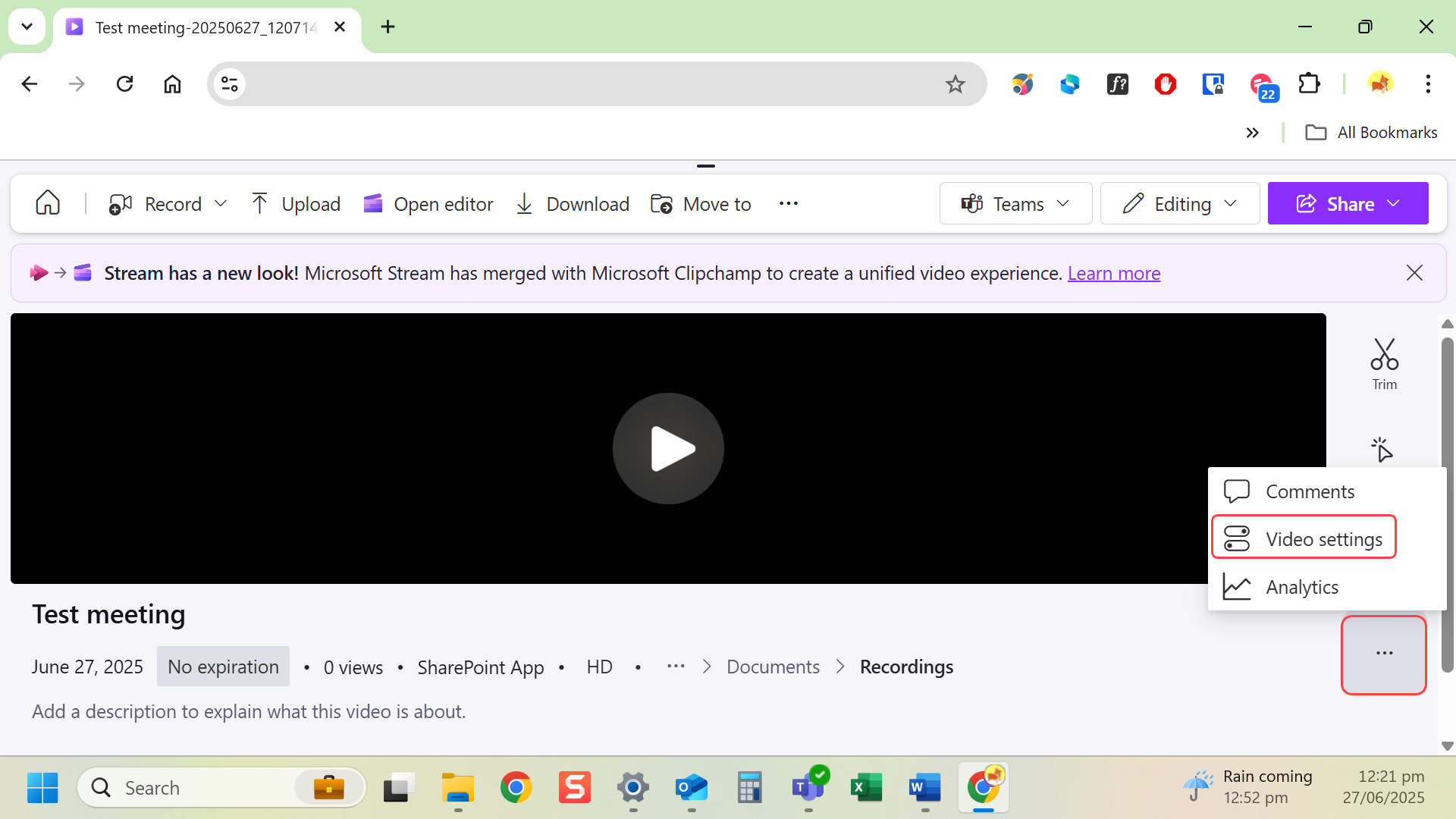
- In Microsoft Stream, select More options (…) and Video settings.
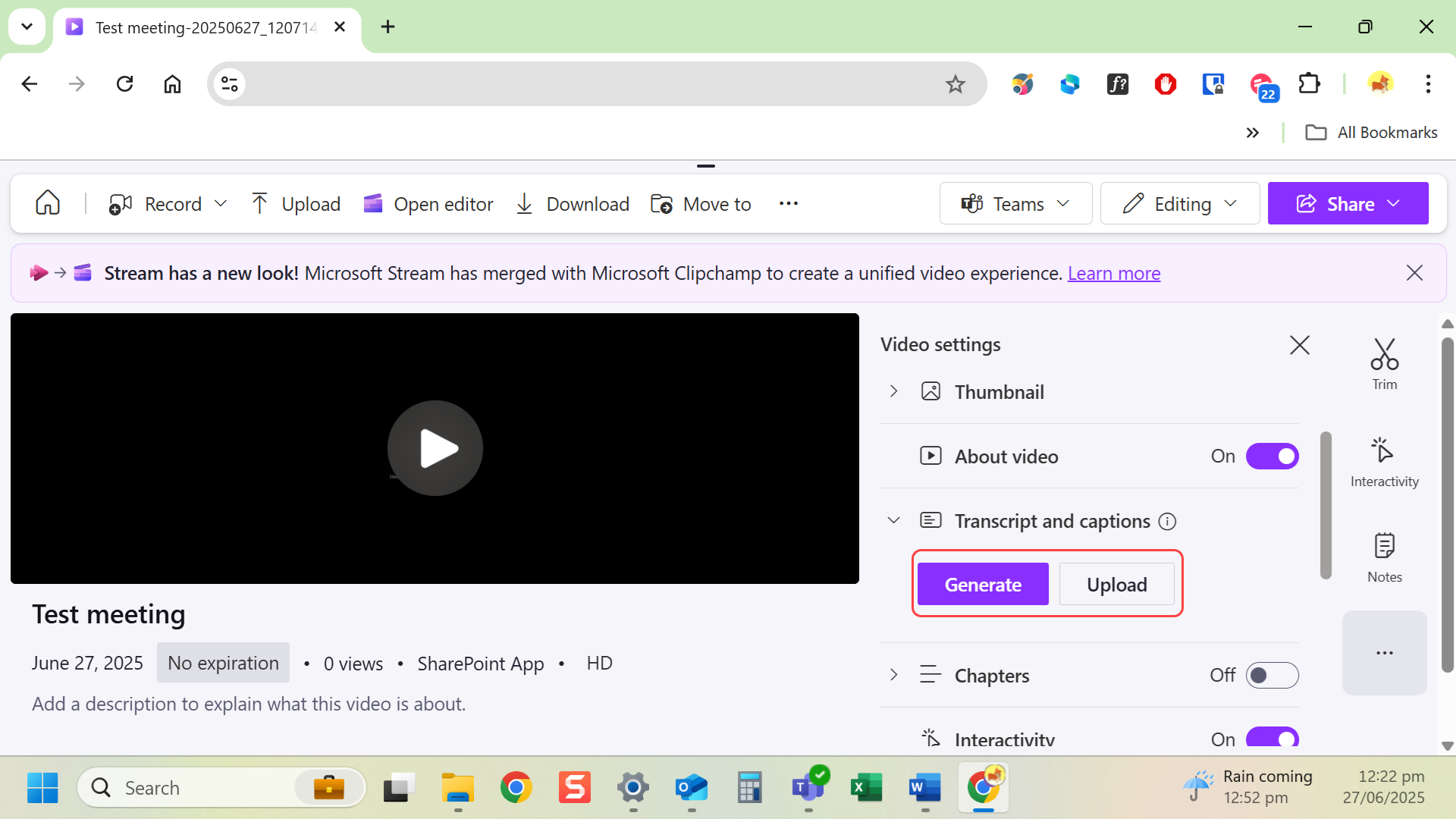
- Upload a VTT caption file, or enable Autogenerate captions (if available).
Last modified: Friday, 29 August 2025, 8:08 AM