

Built-in Windows: How to turn on Speech Recognition
Instructions
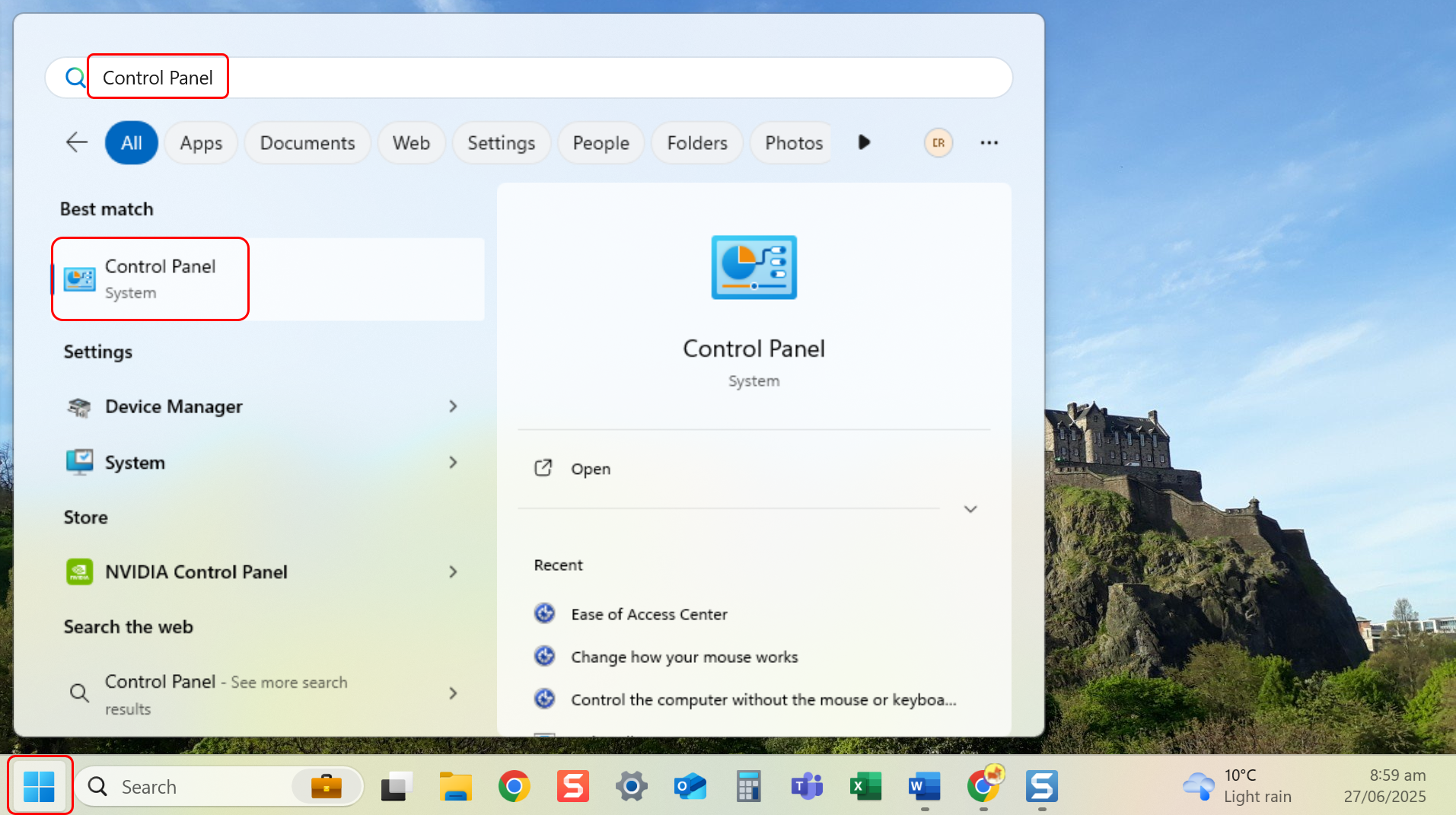
- Navigate to Control Panel through the Start menu.
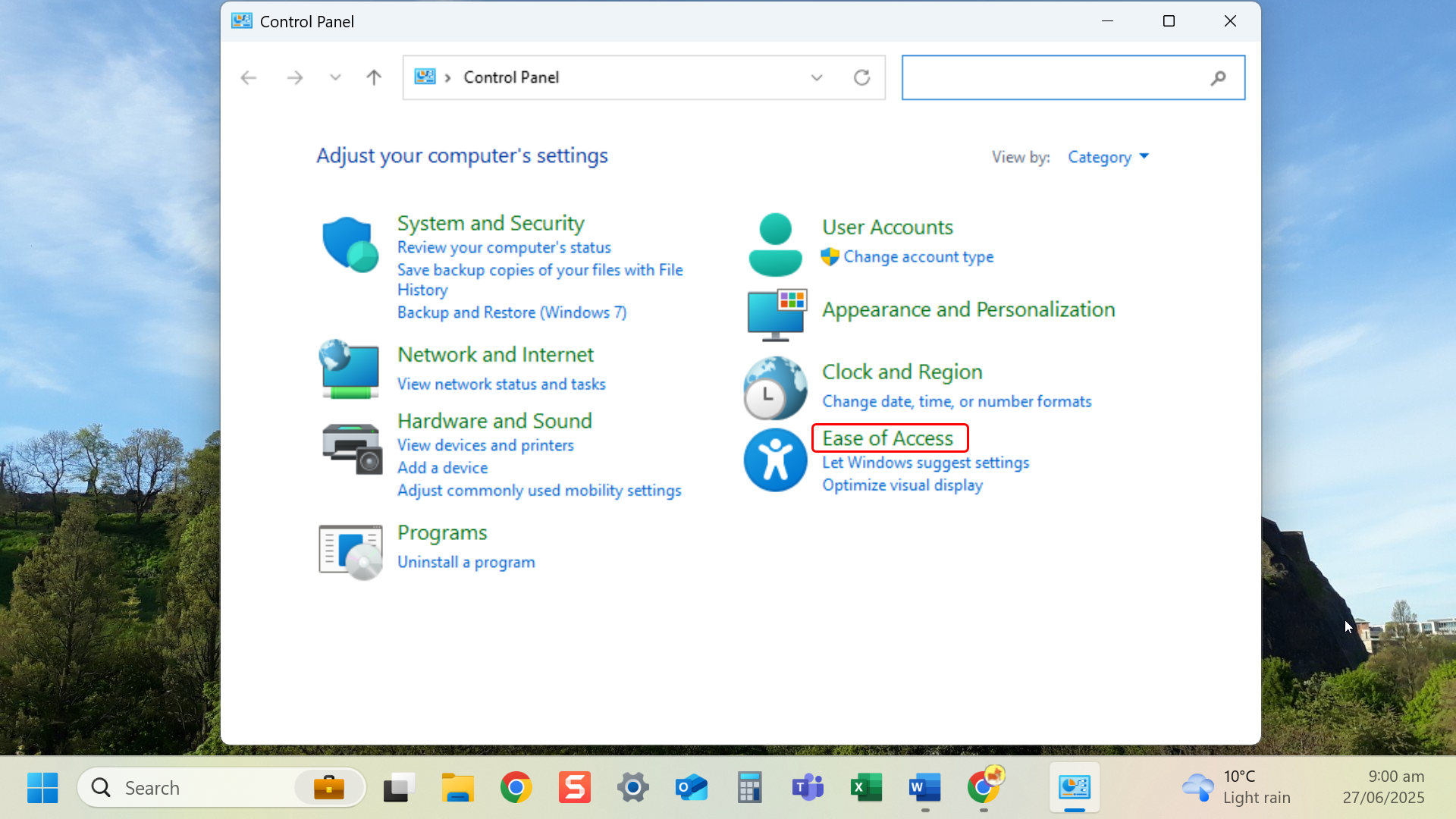
- Select Ease of Access.
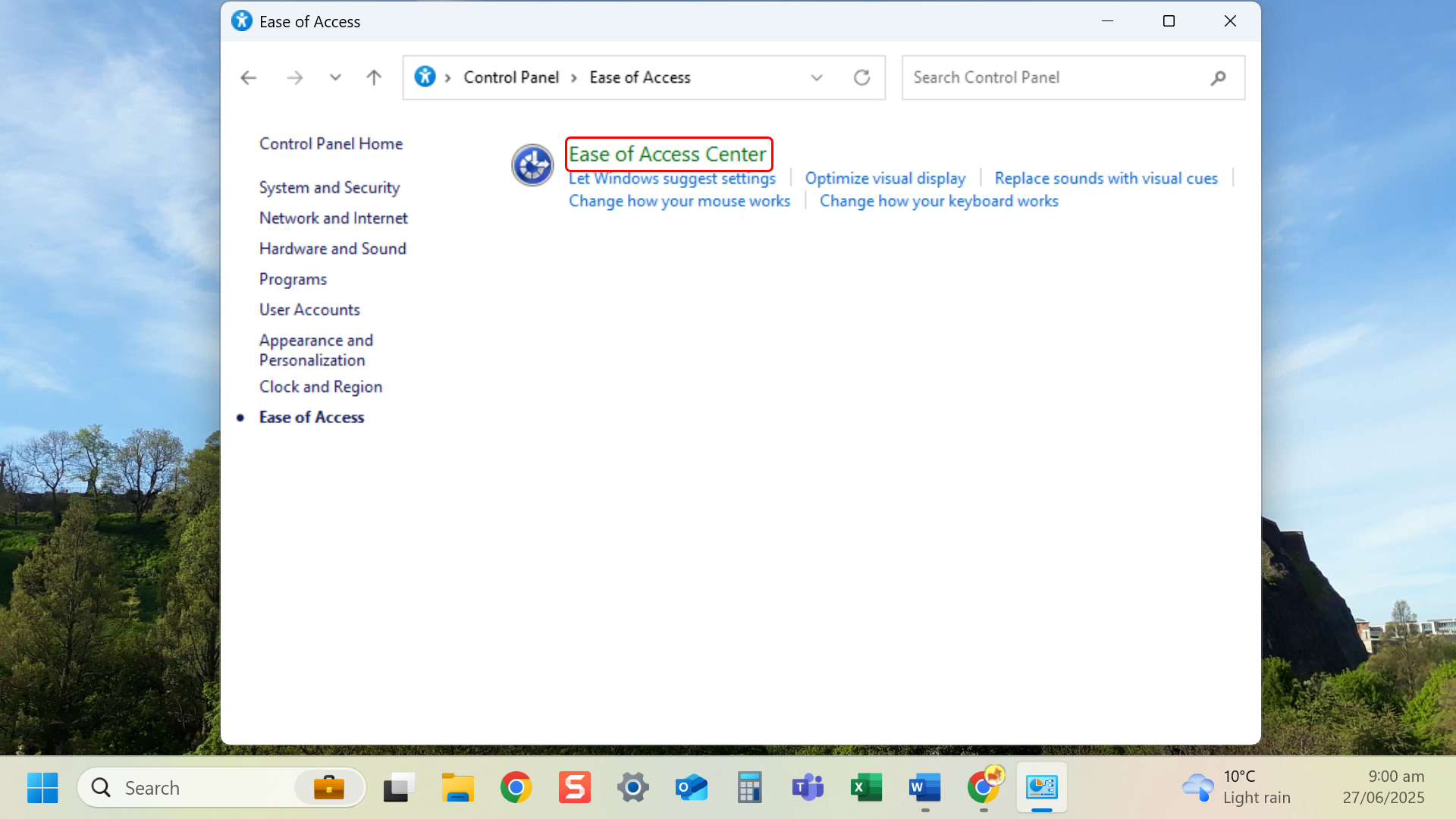
- Select Ease of Access Center.
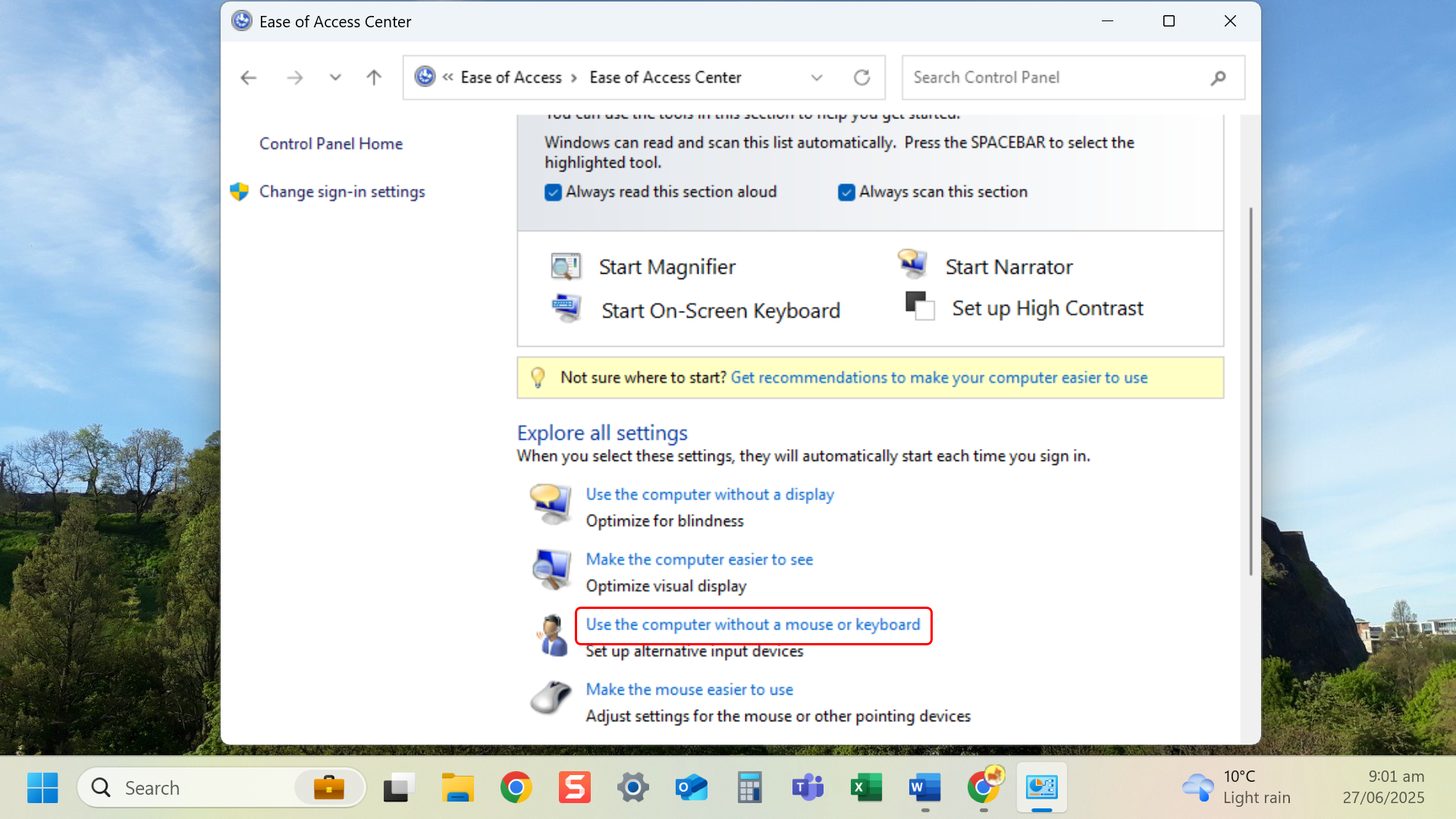
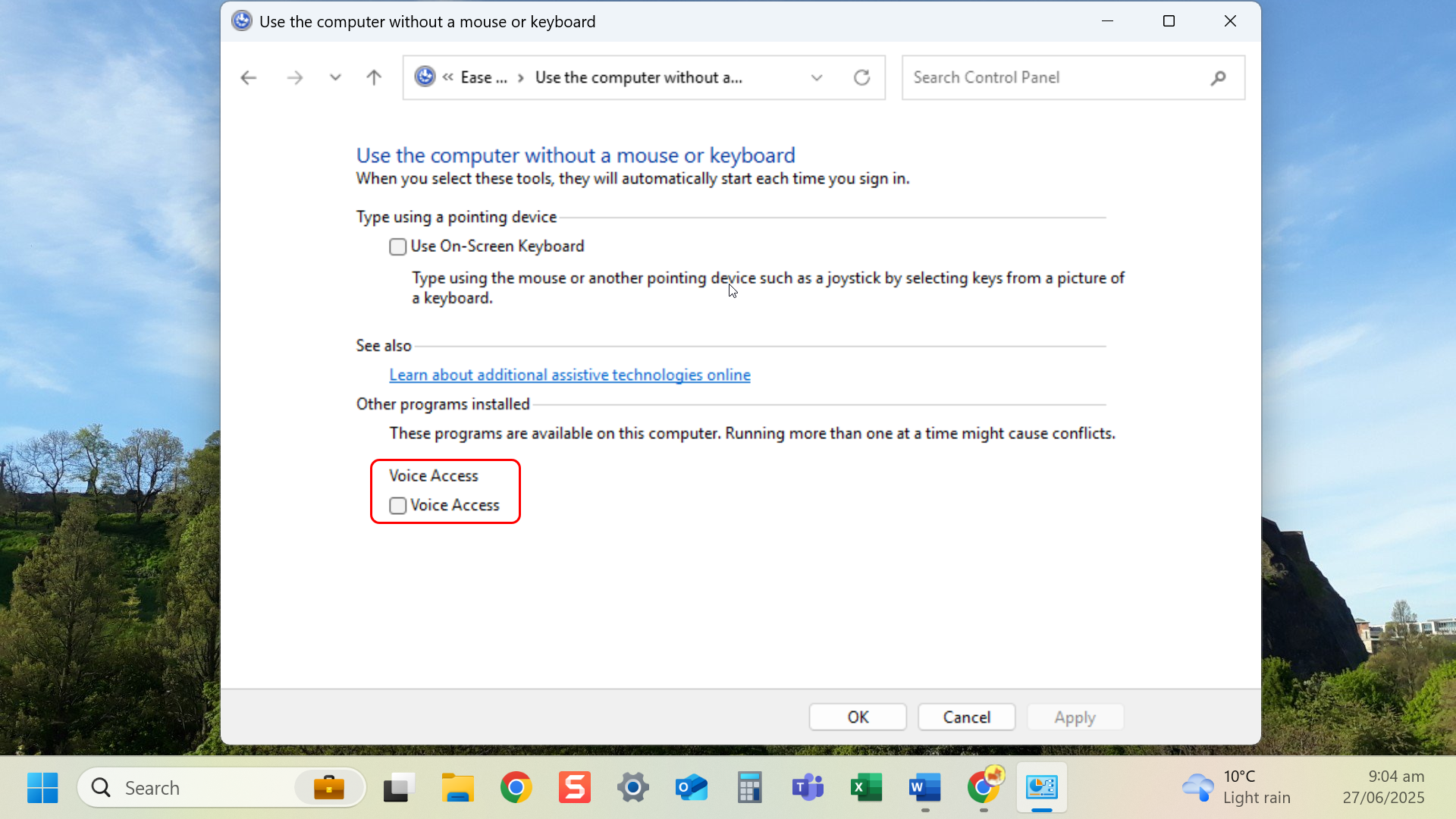
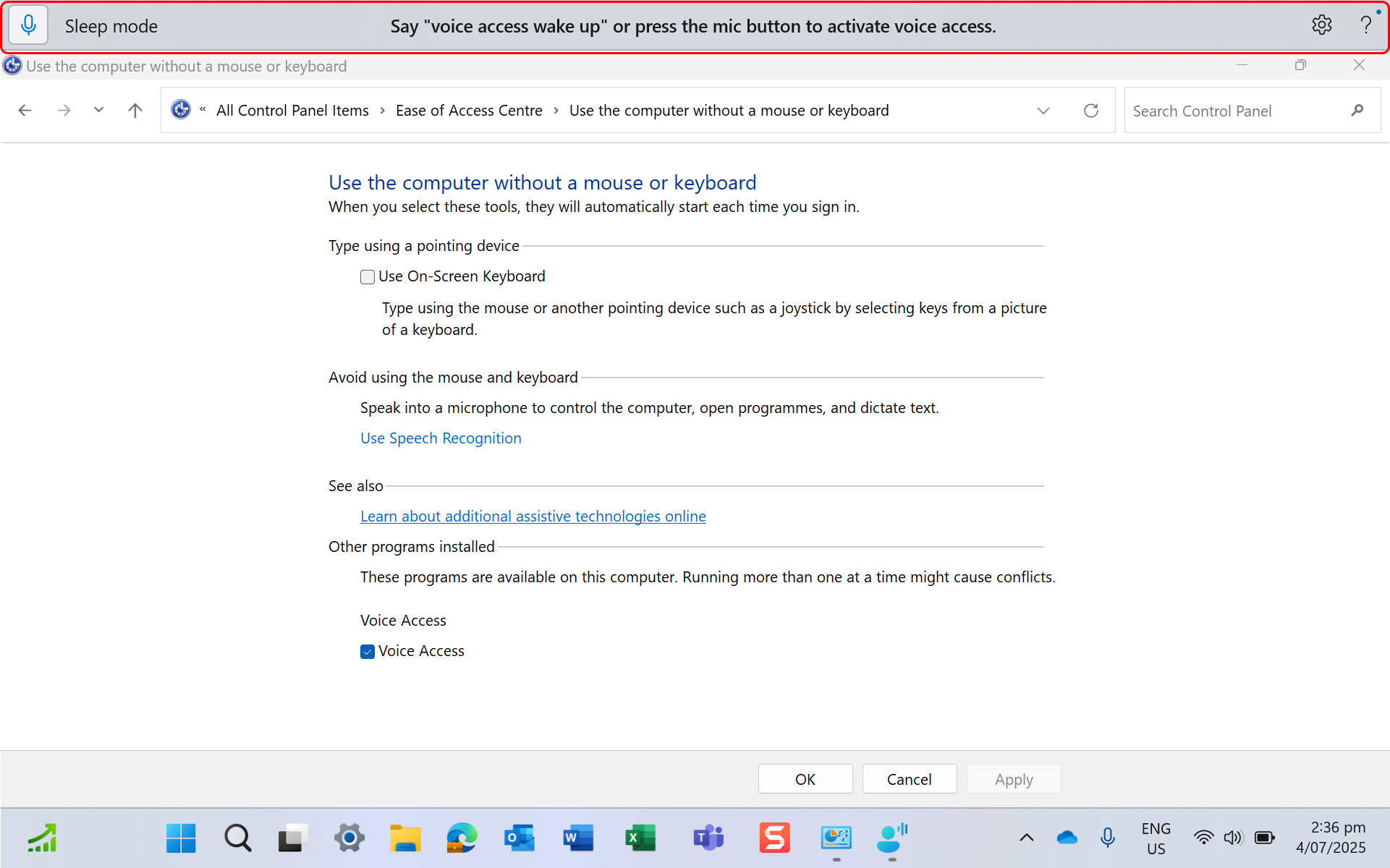
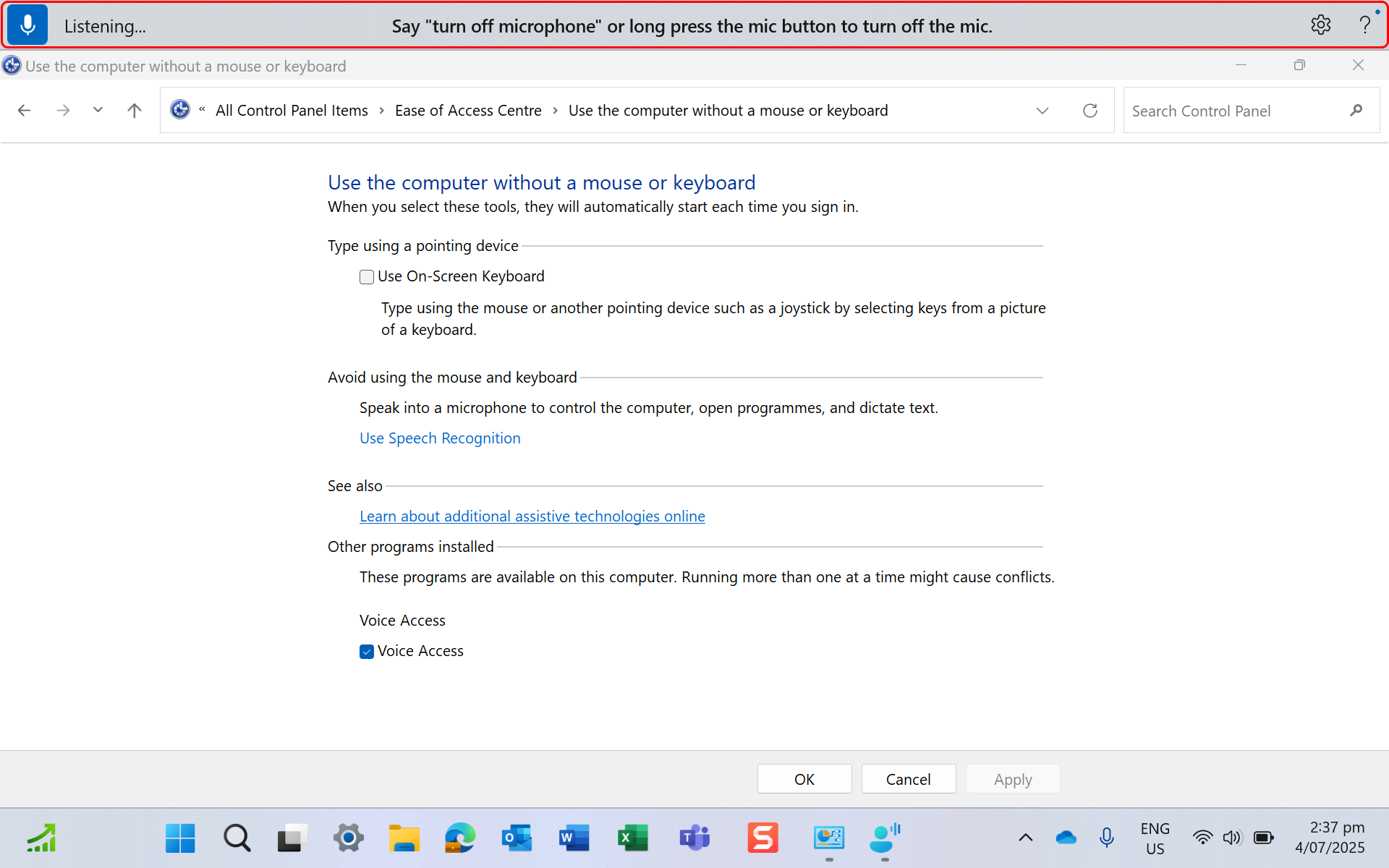
- Select Use the computer without a mouse or keyboard.
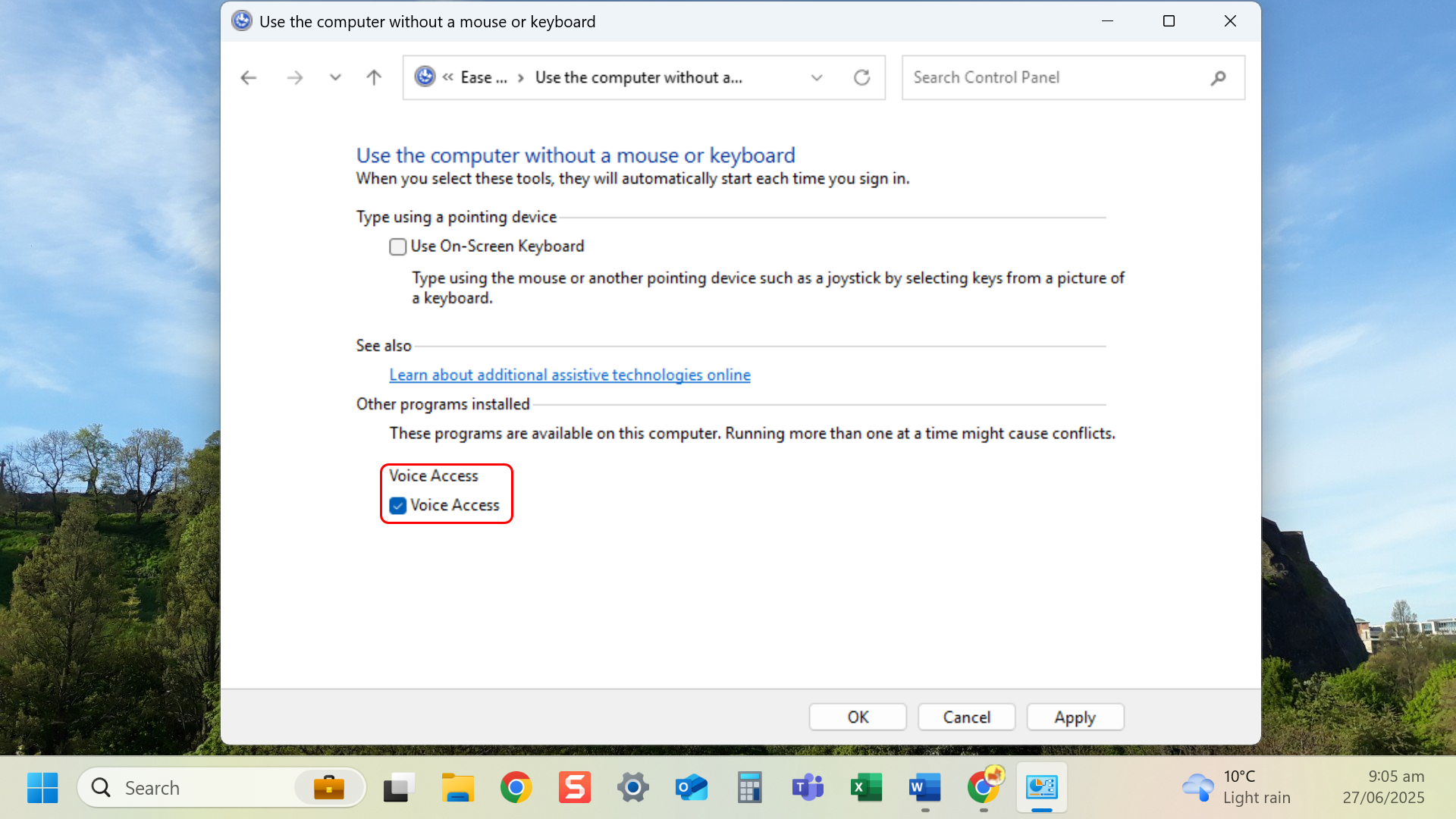
- Select check box of Voice Access and Apply.
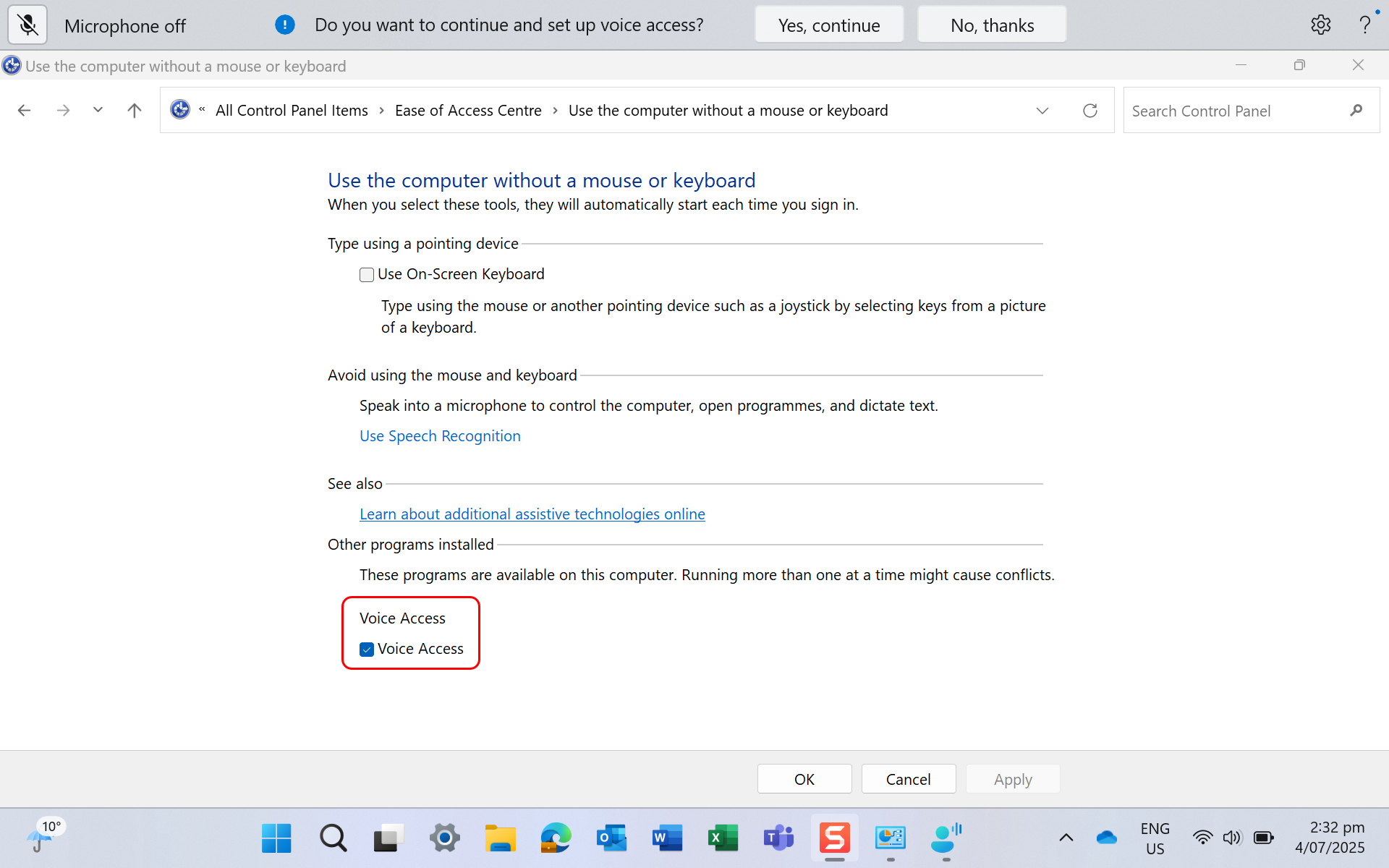
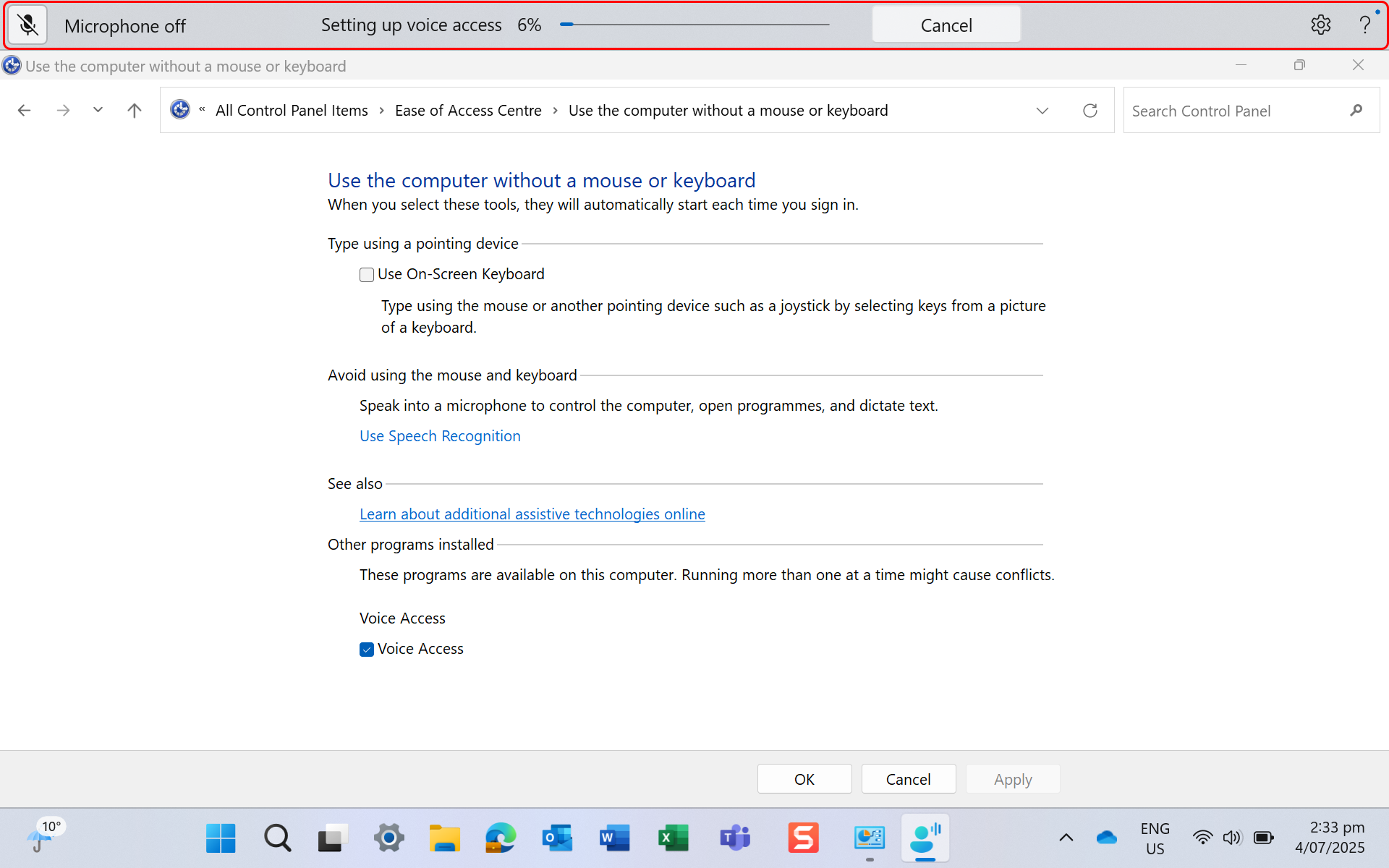
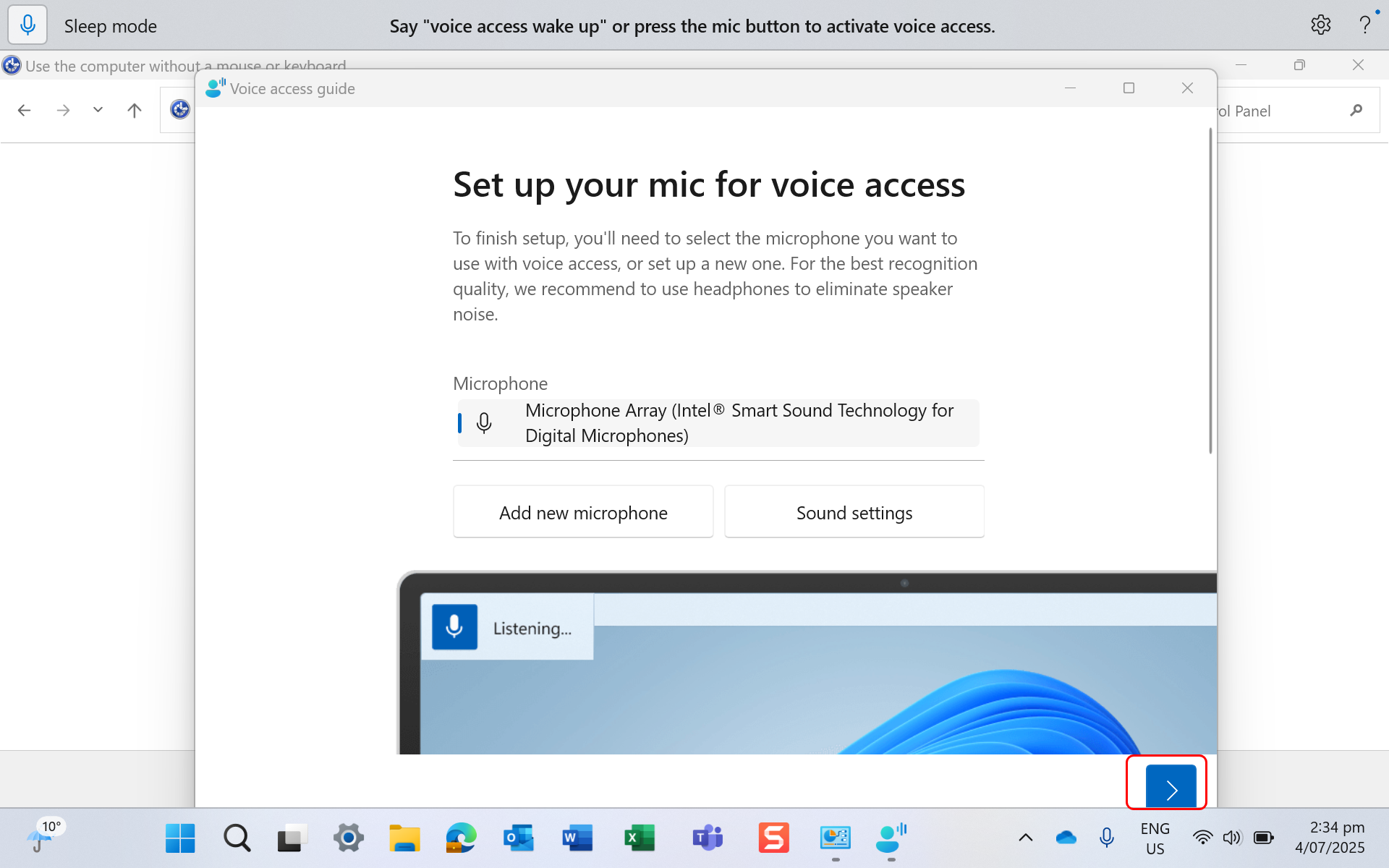
- Toolbar will appear at the top of the screen, to set up voice access.
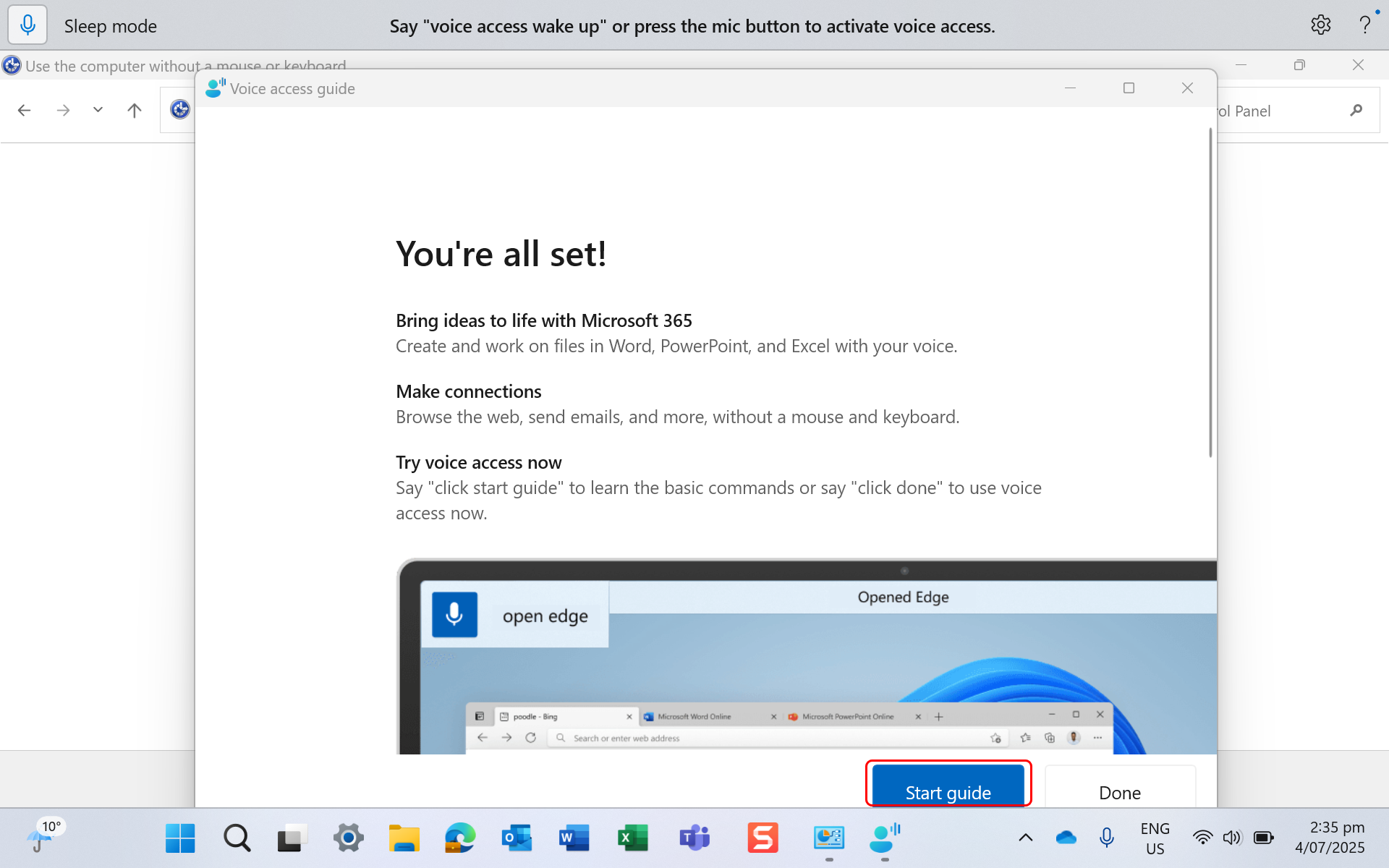
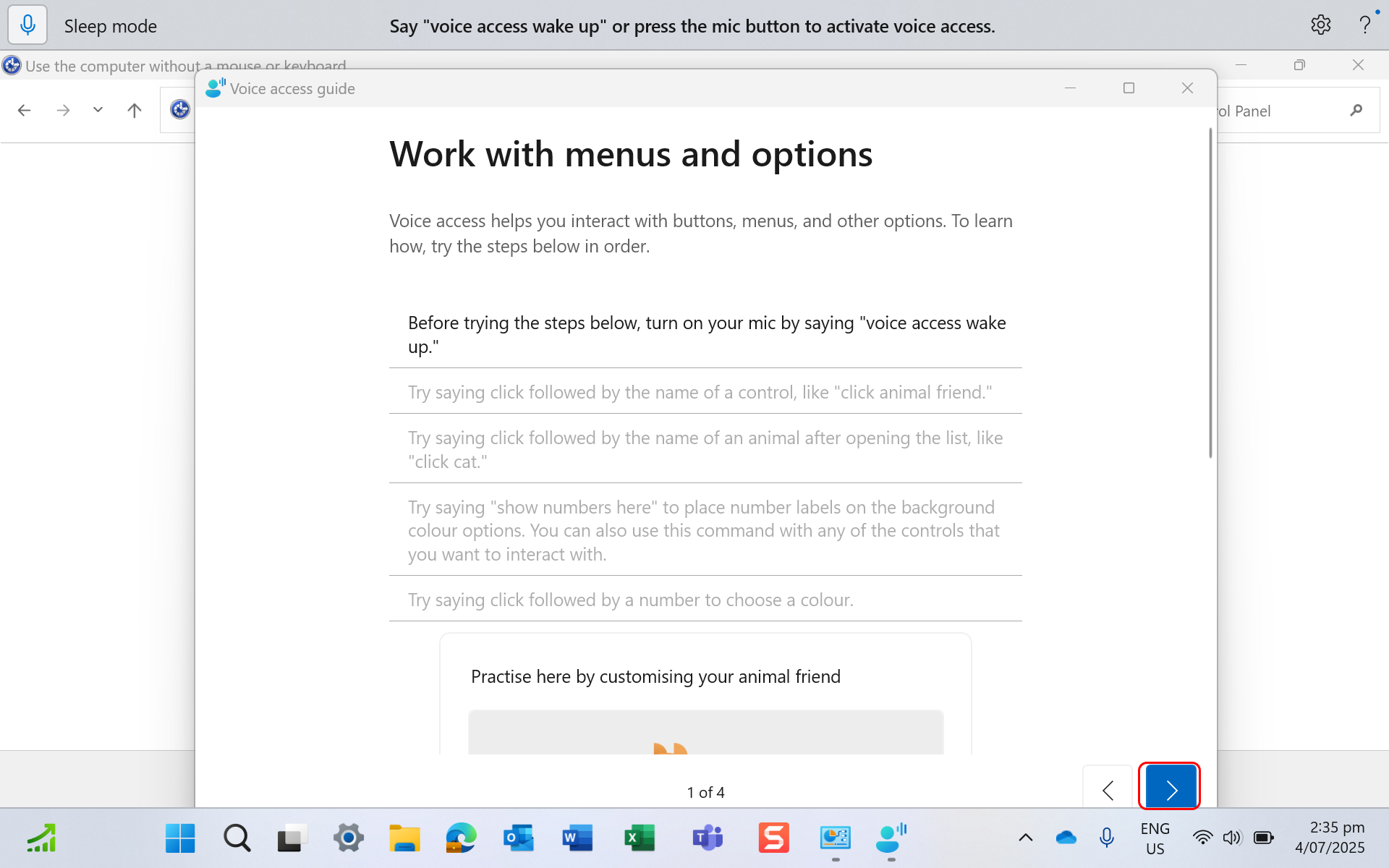
- Set up mic for voice access. There is a guide if you need.
- To access the speech recognition turn on the microphone by selecting the microphone icon in the top left-hand corner or say “voice access wake up”.
- To turn off microphone either say “turn off microphone” or long press on the microphone icon in the top left-hand corner.
Last modified: Friday, 29 August 2025, 8:07 AM